


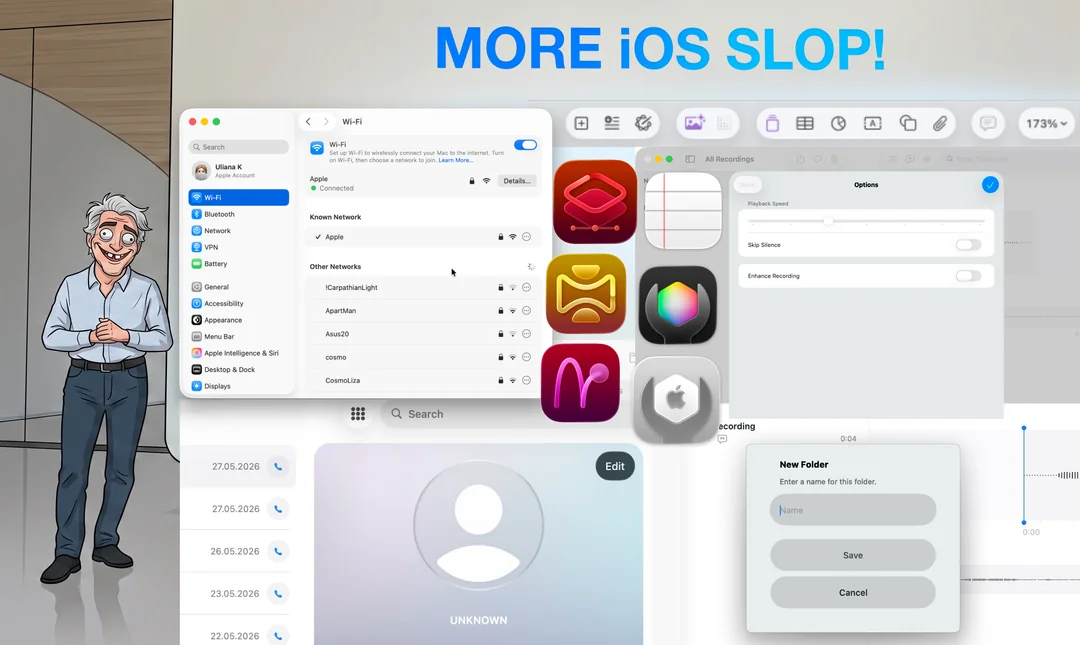
Good morning!
As you remember, macOS Tahoe was amazing. And this can be clearly seen with the record-high adoption rate and the smallest number of downgrades ever!
We received a lot of incredible feedback as well. More rounded corners, more subscriptions, more ads in the built-in apps – so much to choose from!
But of course we didn’t stop there.
Now, macOS 27 is a whole new level for your Mac. You love so many foundational things about Mac – so we decided to remove them for good, thus making you love them even more!
Here’s what’s new in macOS 27 Braindead Valley:
-
- First, the Menu bar. There are so many buttons there, which is so old-fashioned. You loved the new formatting bar in iOS 26 Notes app that magically scrolls left and right depending on the context. We are going to apply this truly intelligent system to the menu bar as well: from now on, one button for an app at a time will be shown, which randomly changes to any existing option
- Next, Dock. No one has loved it since it was introduced – and it is not actually needed. Want to show a minimized window? Just search its name in Spotlight, as you always did for apps!
- Mouse cursor. An obsolete thing that clutters the OS and bothers everyone. I’ve never used a mouse cursor in my entire life; I don’t know anyone who does. Just use the Full Keyboard Access feature, which is much more efficient. It is so much simpler and you really always wanted to use it this way, you just didn’t know you did
- Control center is not needed – just use Spotlight. The new agentic macOS is made like your beloved ChatGPT: everything you need is just several sentences of typed text away
- macOS Finder gets an update: introducing Files app on Mac. A reliable, incredibly fast, and feature-rich file manager is coming to your Mac
- Adding more granular controls for volume and brightness, including changing the volume per app (requires Apple Intelligence)
- Keychain.app is now deprecated. For developers, certificate generation is available in Image Playground
- Automatic Time Machine backups are deprecated. Creating a backup is much simpler now, as you can make one like you always wanted – in Spotlight: type “Time Machine,” press Tab, “I want a backup,” press Tab, then enter the date in YYYY-MM-DD-HH-MM-SS format
- QuickTime Player is deprecated. Watching movies is available in the Photos app
Important: because of the evil EU legislation, WLAN/Wi-Fi will not be available in macOS 27 in the EU. For everyone else we are thrilled to announce, that sideloading is discontinued starting this fall, to better protect your privacy. Also, in order to ensure the security and continuing stability, Mac App Store from now on will only allow iPhone apps, which greatly complements the iPhone Mirroring mode – for a safe and secure Mac usage!
Also, for the first time ever – you can choose the codename for macOS! Here are the options by our crack marketing team:
-
- macOS 27 Silicon Void
- macOS 27 Barren Basin
- macOS 27 Stripped Ridge
- macOS 27 Liquid Vista
- macOS 27 Mount Monotony
- macOS 27 Laguna Bleak
- macOS 27 Point Nowhere
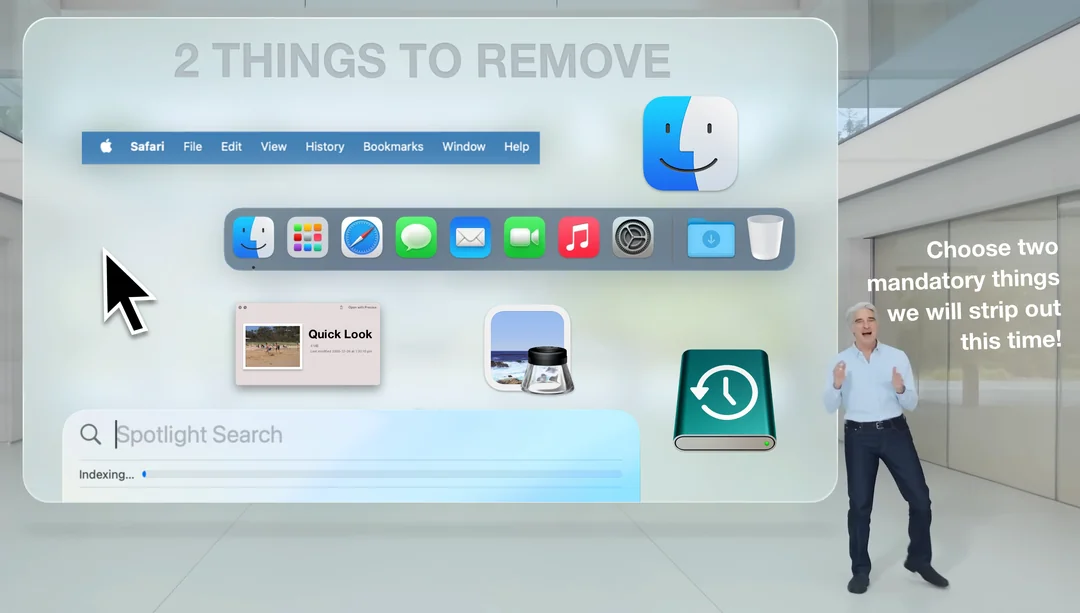
- So what are your 2 things you can live without in new macOS 27?
-
- Menu bar
- Dock
- Finder
- QuickLook
- Spotlight
- Time Machine
- Preview app
- I will not update
[source]
0 comments