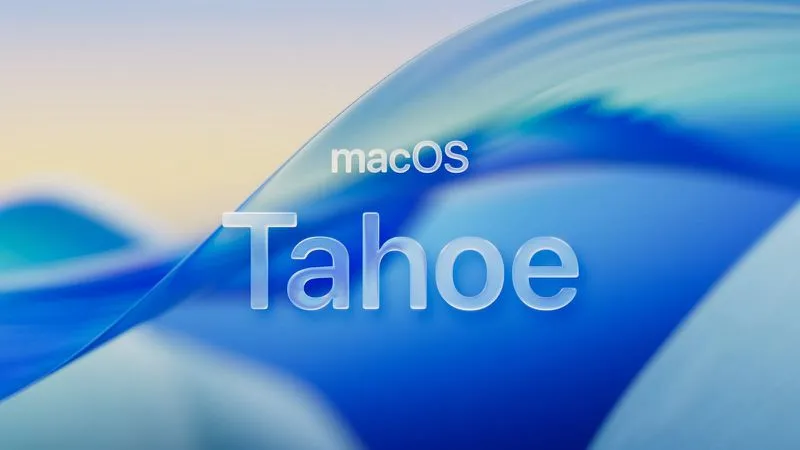
After a very unpleasant experience with Apple’s latest macOS, Tahoe, back in December—and successfully downgrading back to Sequoia without becoming homicidal, I swore it off.
Based on everything I read online subsequently, I wasn’t the only one. “Worst O/S release in years!” seemed to be the common refrain. “Half baked, not ready for prime time!”
Usually Apple manages to iron out the little glitches in a new O/S within the first couple itertions. Unfortunately, based on what everyone was saying, the problems apparently continued through the 26.1 and 26.2 releases.
But this week, Apple released Tahoe 26.3 and the interwebs were strangely supportive. People were saying that nearly all of the glitches they’d been experiencing had been cleared up and it was running as well as Sequoia.
Hesitantly—very hesitantly—after doing a full backup, I went ahead and pulled the trigger on the upgrade. Despite the good reviews, I was still fully expecting to spend my evening (and no doubt a good portion of tomorrow) downgrading everything again.
But hey, at least this time I knew what would need to be done.
Imagine my surprise when the installation completed, the machine rebooted and, well…it just worked!*
Yeah, I had to turn off the glass effects via the “Reduce Transparency” toggle in System Settings → Accessibility → Vision → Display because I still hate “liquid glass” (although it’s not as bad it had been previously to 26.3), and once that was done it was golden.
So if you’ve been holding off upgrading because of all the bad press, I can tell you that at least in my own case, everything is finally working as it should. Please note that your mileage may vary and to proceed at your own risk. Don’t say I didn’t warn ya!
*one pretty striking glitch remains that I didn’t catch because I rarely use column view in Finder, so if you do be aware that this is still semi-broken..