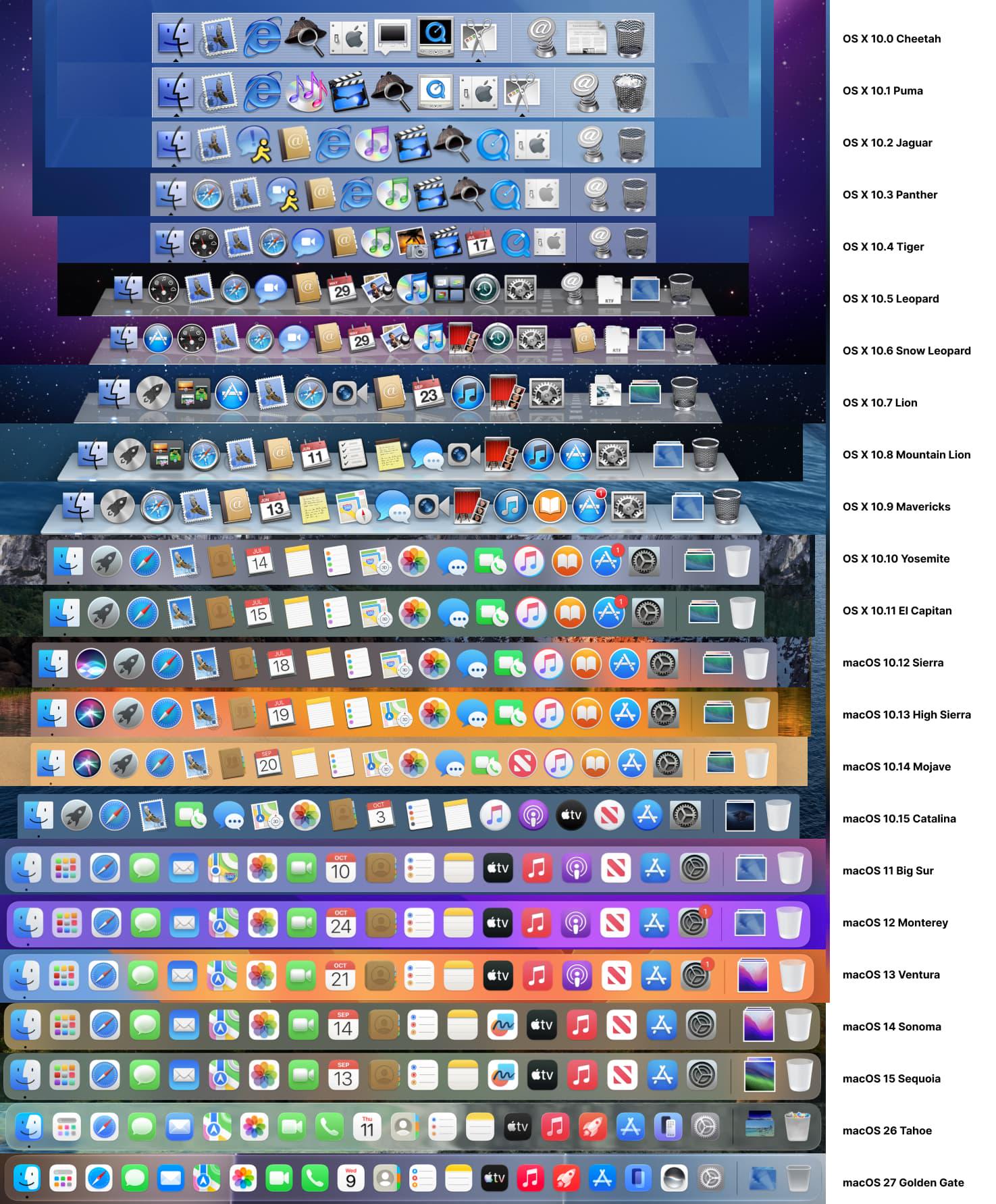
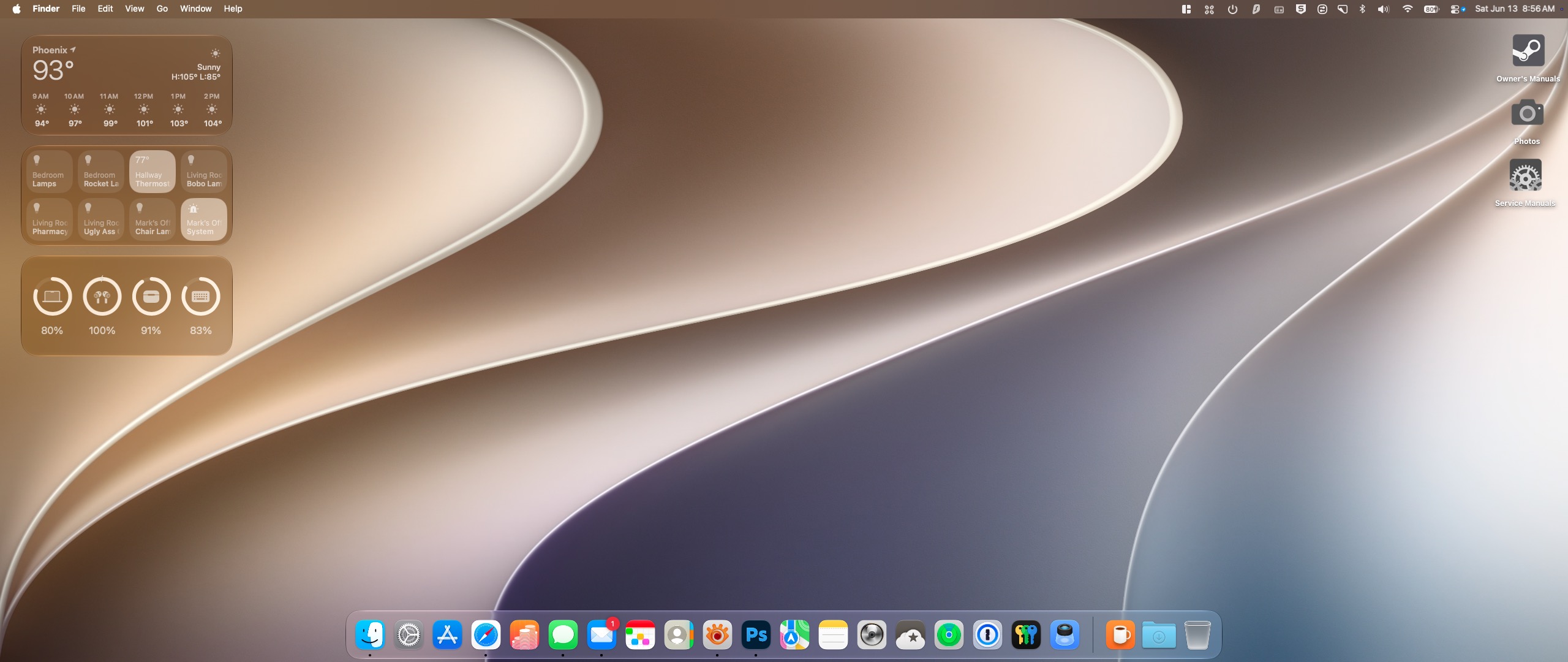
The Mac dock through the years.
0 comments
Shitposting since 2005
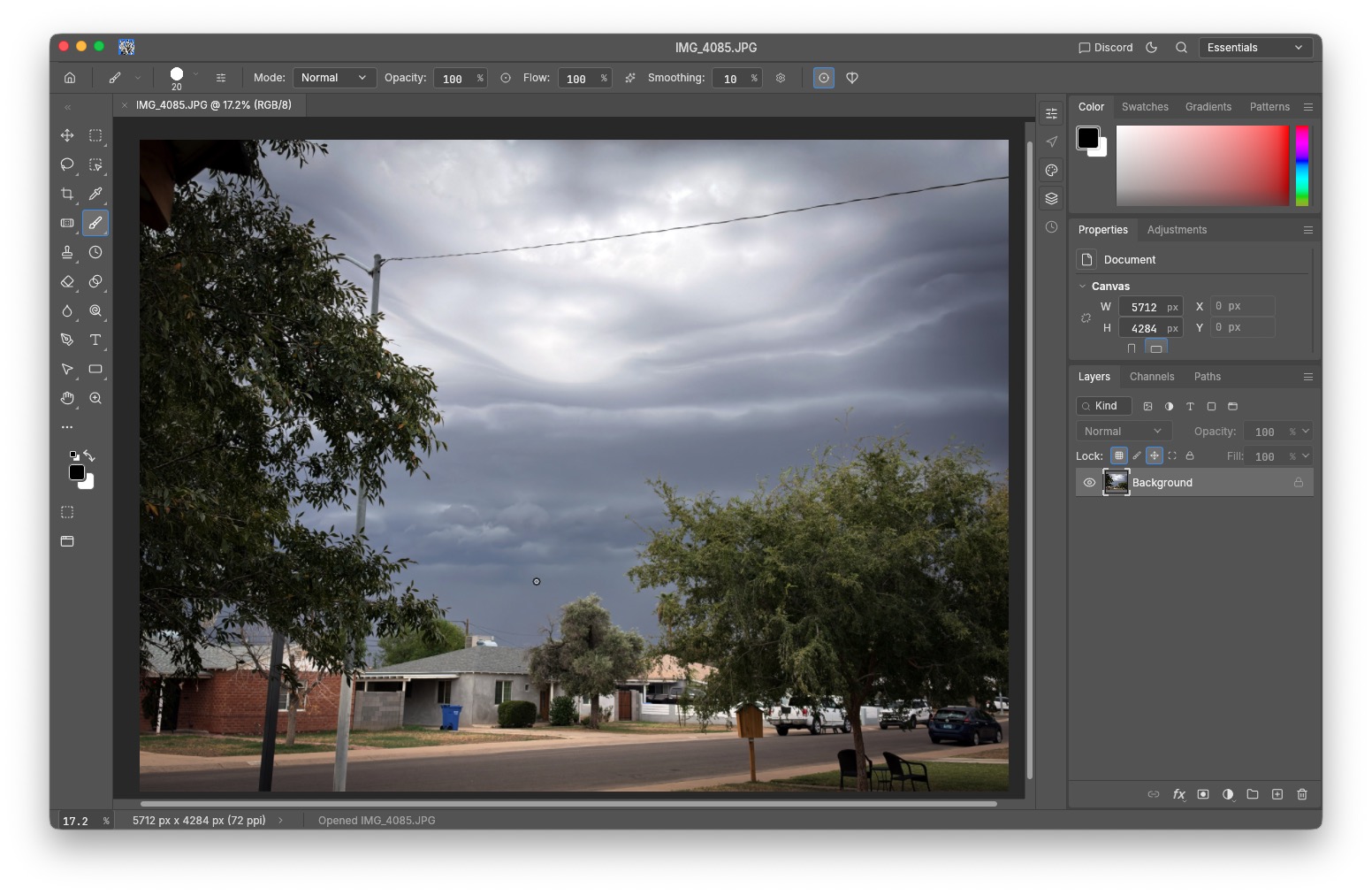
In case you haven’t heard, someone used AI to vibecode not just Photoshop, but Adobe’s entire Creative Suite of apps, renamed them, and made the lot available for free to whoever wants them.
The question of legality aside, I find it ironic that Adobe—a multi-million dollar company that is one of the biggest offenders of stealing creators’ content to train their AI at the very least—has had the tables turned on them and all of a sudden has had their work snagged by AI.
Did Karma finally wake from her slumber?
I have to admit, it’s pretty damn good! So far, everything I’ve used works the same as it does in Photoshop. This was my biggest stumbling block in switching platforms to a different photo editing/graphics program whenever I’ve wanted to give up on Adobe because of their horrible subscription pricing and policies. I’ve been using Photoshop for the last twenty years, and some tasks have simply become muscle memory at this point. The only thing Photocraft lacks is access to Adobe’s Generative AI, something I use to remove particularly troublesome items from images that I cannot do manually.
ArtCraft is available for Mac, Windows, and Linux.
3 comments
I ran across this image earlier this morning. Damn, does that bring back memories…
In the early 1970s, the biggest consumer TVs were 27-inch direct-view CRT sets, so I was blown away the first time I saw TV projected on an Advent VideoBeam 1000’s 7-foot screen. The first Betamax videocassette recorders were still a couple of years away in 1972, and broadcast and cable TV were the only viewing options. I knew I’d never own one, but that didn’t mean a boy couldn’t wish—and designed every subsequent dream home living room to properly accommodate one.
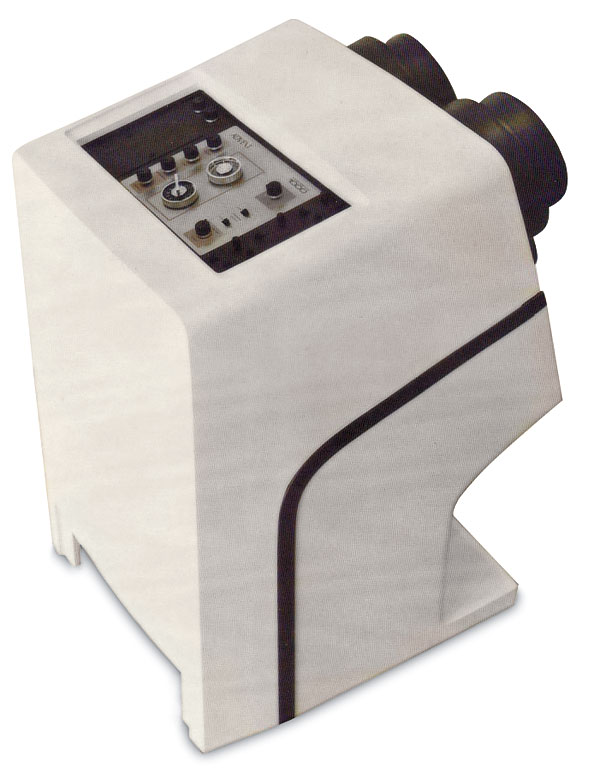
While Advent was already known for its founder Henry Kloss’ incredible speakers, he was more interested in pioneering home-video projection technology. The technology was developed in house, with the projector’s CRTs manufactured at the Advent factory in Cambridge, Massachusetts. Audio came from a speaker mounted in the VideoBeam 1000’s projector base, and its sound was bounced off the screen.
What’s so amusing fifty years later is that we now have a Jetsons-inspired screen the same size (with a proper 14:9 aspect ratio) that hangs flat against the wall in our living room that is more reliable, doesn’t require constant adjustments, and cost significantly less than what this Advent was selling for (even adjusting for inflation).
0 comments
I had a vague idea of how CDs were manufactured, having seen more than a few videos from back in the day. When this came up on my feed I almost dismissed it until I saw the date stamp. This was new. Things have changed a bit since the 80s. And it left me in awe.
1 comments
The other day I was dusting in the Living Room and after I moved my big Yamaha (as in main component) CD player to get underneath it I went to put on some music and the drawer wouldn’t open. I know it wasn’t the belt because I had successfully changed that with the proper size and thickness a couple weeks ago and it had been working without any problem ever since. No, this was something new. I was able to pry the drawer open with my fingernail and it worked just fine afterward, but the next time I moved it the problem returned.
I finally got tired of dealing with it, so I popped the cover yesterday to see if I could determine what was happening. I had the cover off 30 seconds and I immediately identified the problem.
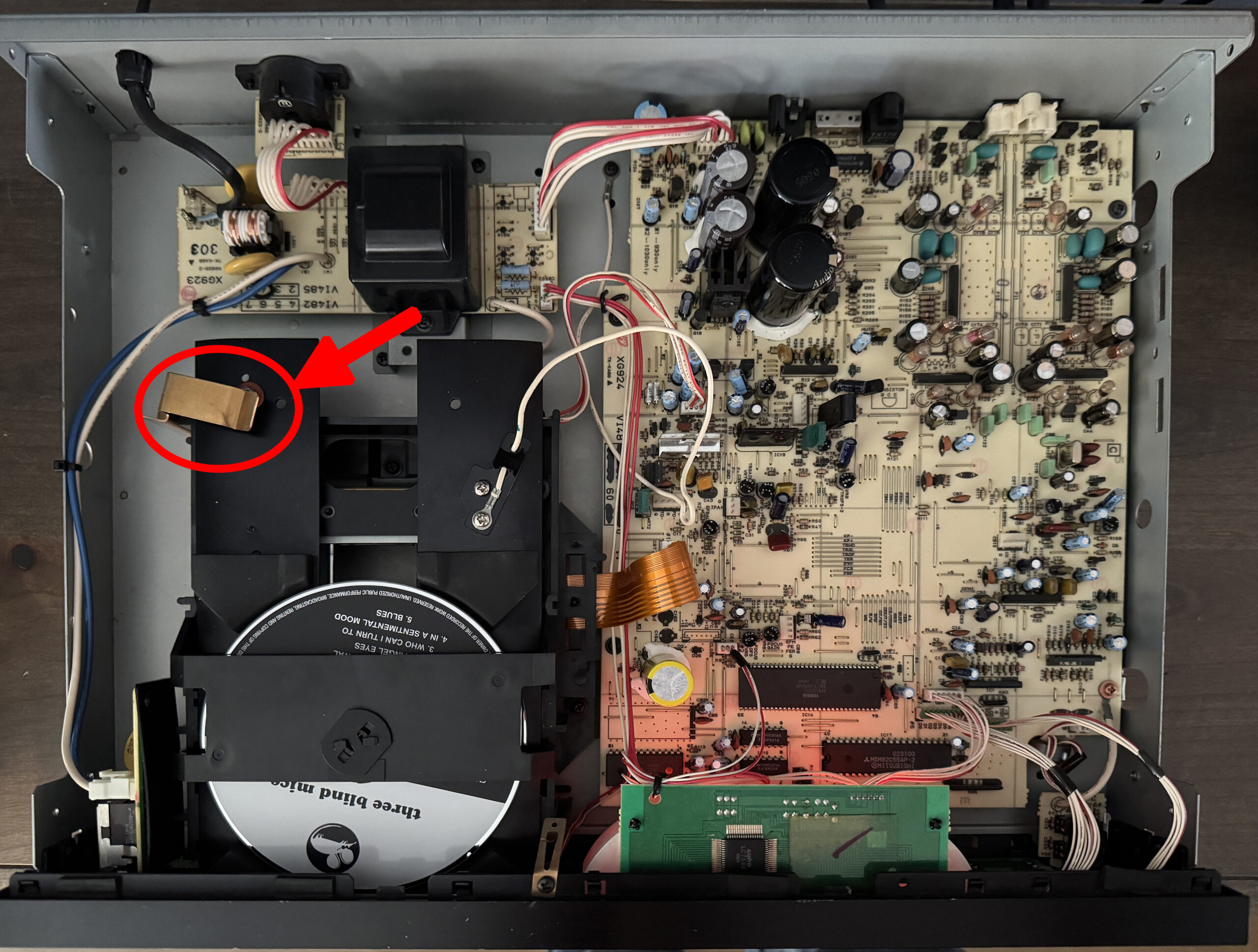
There’s a wide copper grounding strap that makes contact with the metal tray when it slides into place. The raised nubbin that makes the actual contact with the strap was getting snagged on the strap when the tray attempted to slide out.
When I changed the belt, I pressed down on the copper strap a little too forcefully, and since tolerances are everything in this equipment, it made contact just fine, but was too tight to let the drawer slide back out. I gently bent the piece back upward a hair’s breadth, and everything worked normally again; something I need to keep in mind in case I ever have to swap the drawer belt on this unit again.
I don’t know why this just started acting up, or why it worked fine and then stopped once the unit had been moved (probably because I haven’t used it but a couple times since I changed the belt, preferring instead to concentrate on my portable players) but it’s fixed now, and that’s good enough for me.
When I was doing some research the other day, I learned that the DAC (Digital To Analog Converter) in this player was actually made by Panasonic. Panasonic, not Yamaha itself or even Sony. Panasonic.
Why is this significant? This deck dates from the period that Technics/Panasonic were pushing their own “MASH” (“Multistage Noise Shaping,” a 1-bit digital-to-analog conversion technology developed by Technics/Panasonic to improve sound quality and reduce distortion in CD playback) chips—yet there is no “MASH” branding anywhere on this player.
0 comments
I think I’m done with the future… And I know that is a slightly inconvenient position to take when everyone around me is very excited about the newest, smartest, fastest, most technologically advanced thing humanity has managed to produce this week. But honestly? I am fucking exhausted.
We don’t necessarily want a better smartphone We want less smartphone.
I am exhausted by my phone.
I am exhausted by notifications. I am exhausted by Instagram, TikTok, WhatsApp, emails, news alerts, screen time reports telling me I spent six hours looking at my phone and then apparently expecting me to congratulate myself for reducing it by twelve minutes. I am exhausted by opening my phone to check one thing and resurfacing forty-five minutes later having watched a stranger clean their fridge…
And after years of being told that technology was going to make our lives easier, more efficient, more connected, I think a growing number of us are quietly asking a very different question: Can you please just leave us the fuck alone? And then Apple announces the new iPhone Duo, its first foldable IPhone, with a 7.6-inch internal display designed to give us more room to multitask, work, watch, create and generally do more things on one device.
The culture is moving backwareds whle the technology companies keep sprinting forwards.
And I understand why it’s impressive. It is impressive, and I want it. Why wouldn’t I, right? A giant screen in my pocket. Two apps side by side. More room to work. More room to watch. More room to… presumably never look away from my phone ever again. But do we, ACTUALLY, really, REEEALLY, want this? Because culturally, I don’t think we do.
The strange thing is that the culture is moving backwards while the technology companies keep sprinting forwards. And I’m starting to wonder whether they have completely misunderstood what we’re asking for. We don’t necessarily want a better smartphone. We want less smartphone. There is a huuuge difference.
I’m not asking for less technology because I hate technology. I’m asking for less because I like my life.
Somehow along the way, our phones stopped being tools and became environments. They became our alarm clocks, calendars, cameras, banks, offices, televisions, dating lives, shopping centres, newspapers, social lives and tiny little portals into everyone else’s existence. They are in our bedrooms when we wake up. They’re in our hands while we eat. They’re beside us while we work. They’re with us when we walk. They’re in our pockets at dinner. They’re charging next to our beds.
Simple can be harder than complex. You have to work hard to get your thinking clean to make it simple.
And apparently the solution to this deeply “healthy arrangement’ is to make the screen bigger. I’m sorry, but… What the fuck are we doing? I’m not asking for less technology because I hate technology. I’m asking for less because I like my life. I want to walk somewhere without documenting it. I want to have dinner without half my brain wondering what notifications I’ve missed.
I don’t want technology to remember my life for me. I want to remember my own life.
I want to have a conversation without a device sitting between us, quietly recording, tracking, pinging and predicting. I want to be bored, actually bored. The kind of bored where your brain has to entertain itself. And this is where I think the tech industry has completely missed the cultural mood.
I don’t want a smarter life. I want a life where I can occasionally be stupidly, gloriously offline.
They keep asking: What else can we add? What else can AI do? What else can our watches hear? What else can our phones remember? What else can we automate? What else can we optimise? What else can we put on a screen? How about instead we ask: What can we take away?
So no, Apple. I don’t want your biggest screen. I don’t want another device that remembers more, hears more, tracks more, predicts more, or gives me another reason to stare at a screen.
I, actually, really, really, want less… Less fucking everything. And if that sounds anti-tech, maybe that’s the point. What if the most revolutionary thing Apple could build right now is a reason to put the fucking thing down.
[source]
I didn’t write this, but it definitely resonated with me. Odd, considering tech has been my entire adult life…
3 comments
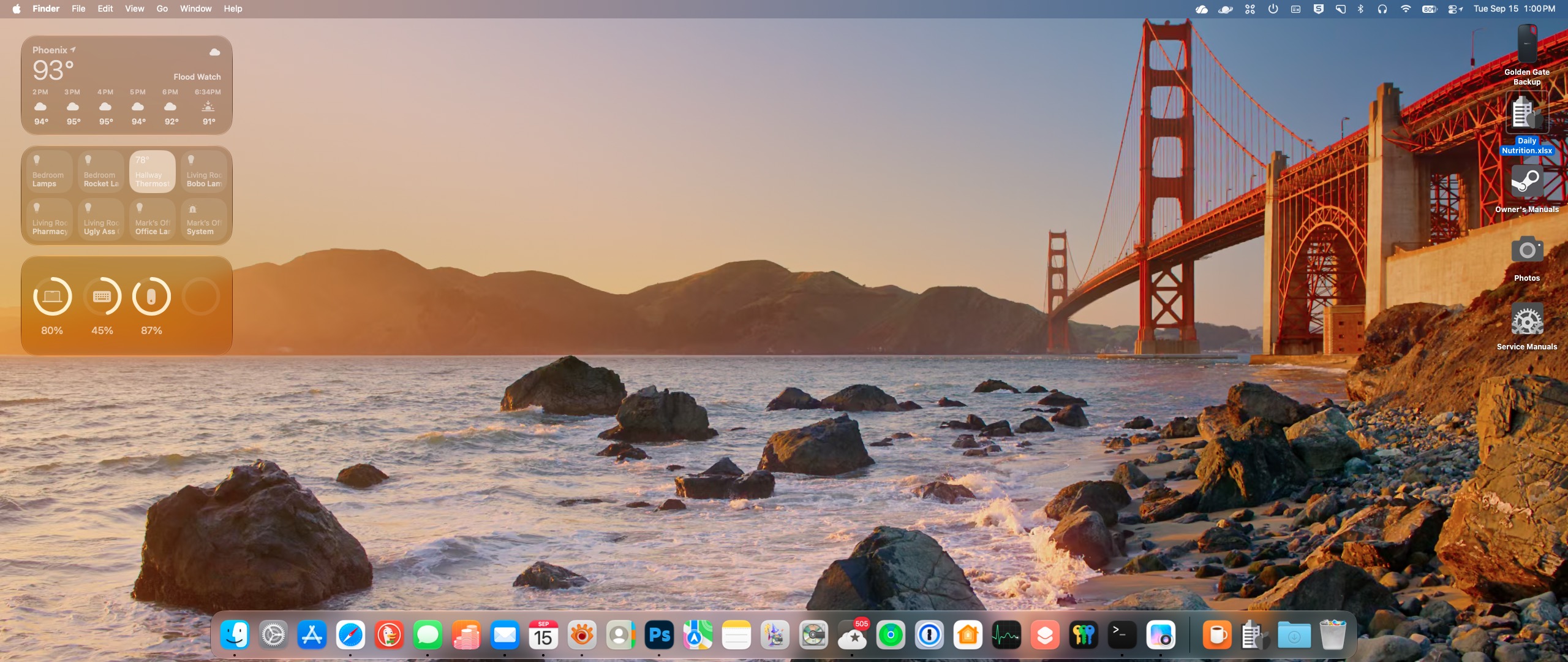
Apple released MacOS 27, aka Golden Gate, yesterday. I’ve been using it since one of the early betas, and I have to say it’s been a very pleasant experience.
Unlike Tahoe—which definitely wasn’t ready for prime time even on its general release date—Golden Gate has been surprisingly stable through all its beta iterations. To be honest there have been a few small glitches, but I can’t say for sure if it was the OS, the application, or just plain old user error that caused any of them because I could never reproduce them.
If you’re on Tahoe, definitely upgrade. If you’re still on Sequoia and you’re happy with it, stick with it. There are still many (mostly graphical) things I prefer about Sequoia, but the glaring inconsistencies and annoyances in the newer interface introduced in Tahoe have been addressed in Golden Gate. All the window corner radii match. Mostly. The “liquid glass” effect can be easily adjusted to your liking without having to resort to hitting the Accessibility panel to turn off window transparency completely. In general it feels snappier and more polished. A lot of the reviews I’ve read are saying it’s the Snow Leopard of the current generation of MacOS. If you catch that reference, congratulations—you’ve been at this as long (or longer) than I have.
As with any upgrade, make sure you have a full Time Machine (or whatever app* you use for backups—you do back up don’t you?) prior to upgrading in the unlikely event anything goes south.
Let me know what you think and how your upgrade goes.
*personally I use Carbon Copy Cloner, an app I’ve been trusting my data to for years.
0 comments
Eventually the thief will have to plug it in to charge.
Imagine if at that moment, the front camera snaps a photo and sends it to your email along with the exact location?
This isn’t an app.
It’s a built-in phone feature that you can set up in just a few minutes.
Here’s how to do it:
Open the “Shortcuts” app.
Go to the “Automation” tab and tap the plus sign in the upper right corner.
Scroll down the list and find “Charger.”
Select “Run Immediately” and turn on “Run Notifications,”
Go to the next page and create a new shortcut.
Next are the specific operations:
1. Airplane Mode: Search for this setting and turn it off.
2. Cellular Data: Set it to automatically enable network connection when the charging cable is plugged in. If the phone thief turns off all networks, this shortcut will automatically turn it on. Without a network, the photos and location cannot be sent out.
3. Get Current Location: Select the highest available accuracy.
4. Take Photo: Select the front camera and turn off “Show Preview.”
This last step is crucial; the other party won’t see anything on the screen.
5. Store Photos: Photos will also be saved to your photo album at the same time.
6. Send Email: Fill in the subject and the email address where you want to receive the information.
Enter the options for this action and turn off “Show Edit Draft.”
Save this automation, and you’re done.
Since then, every time someone plugs in this Phone to charge it will automatically turn on networking, acquires location, takes a photo with the front camera, and sends all the information to your email.
When I tested it for the first time, I received an email with a photo of my own face, taken in very poor lighting.
It really works.
To sum up: This is a Shortcuts automation, with the trigger condition set to “Charger,” enabling network access, acquiring location, taking a front-facing photo, and sending an email.
Zero App. Zero payment.
1 comments
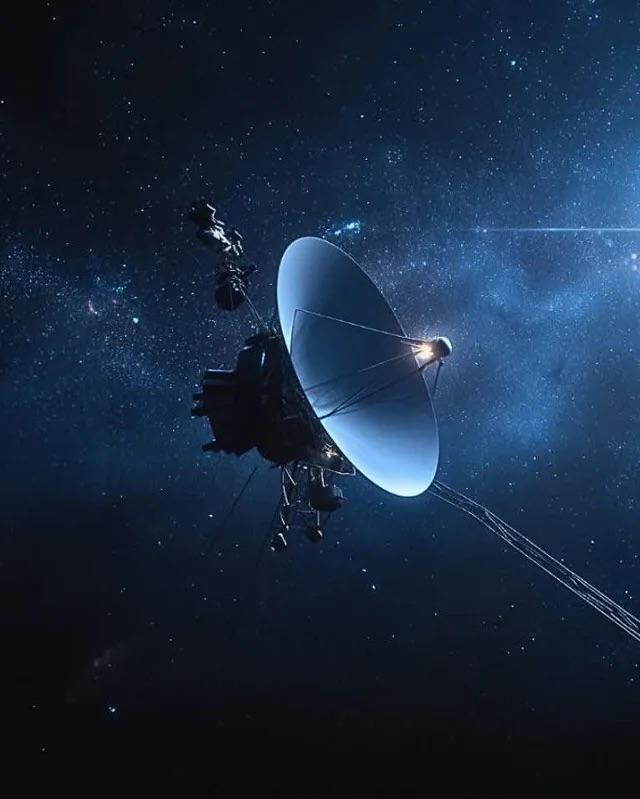
…and there will be no one left on Earth who will know or care.
Alternately, if we somehow manage to survive as a species and develop FTL travel, we’ll no doubt go out, capture it, and return it to Earth to put in a museum.
In any case, I think I can confidently say it will long outlive the civilization that created it.
0 comments

An Apple AirTag just tracked a shipment of rare books to a secret Amazon AI facility in Las Vegas, where texts are cut apart, scanned, and destroyed to train AI models.
A groundbreaking investigation has exposed how tech giants are quietly acquiring physical books to train artificial intelligence models—by literally tearing them apart.
Suspecting that bulk purchases of rare and obscure books were destined for AI training, journalists at 404 Media teamed up with an independent bookseller to plant an Apple AirTag inside a volume shipped as part of an anonymous 1,000-book order. The tracking device traveled across multiple states, eventually terminating at a high-security Amazon facility in Las Vegas, Nevada.
Inside this warehouse, a specialized unit code-named VGT3 systematically processes incoming books by slicing off their bindings, scanning the pages for digital intake, and destroying the physical originals.
This aggressive scanning pipeline highlights the extreme lengths to which tech companies will go to secure high-quality training datasets, particularly pre-2022 literature that is completely free of AI-generated content. While independent booksellers watch their inventories get shredded, legal and ethical questions are mounting over the practice of turning physical, copy-protected books into digital training data before disposing of the evidence. Amazon defended the operation in a brief statement, claiming it purchases books through commercial channels to improve its products and services, but the revelation has ignited intense debate over the systematic destruction of physical human knowledge to fuel artificial systems.
source: Maiberg, E. (2026). We Tracked a Shipment of Rare Books. It Ended at an Amazon AI Training Facility. 404 Media.
We are long past the time to eat the rich. Just chuck ’em into their own shredders and be done with ’em.
1 comments
0 comments
0 comments
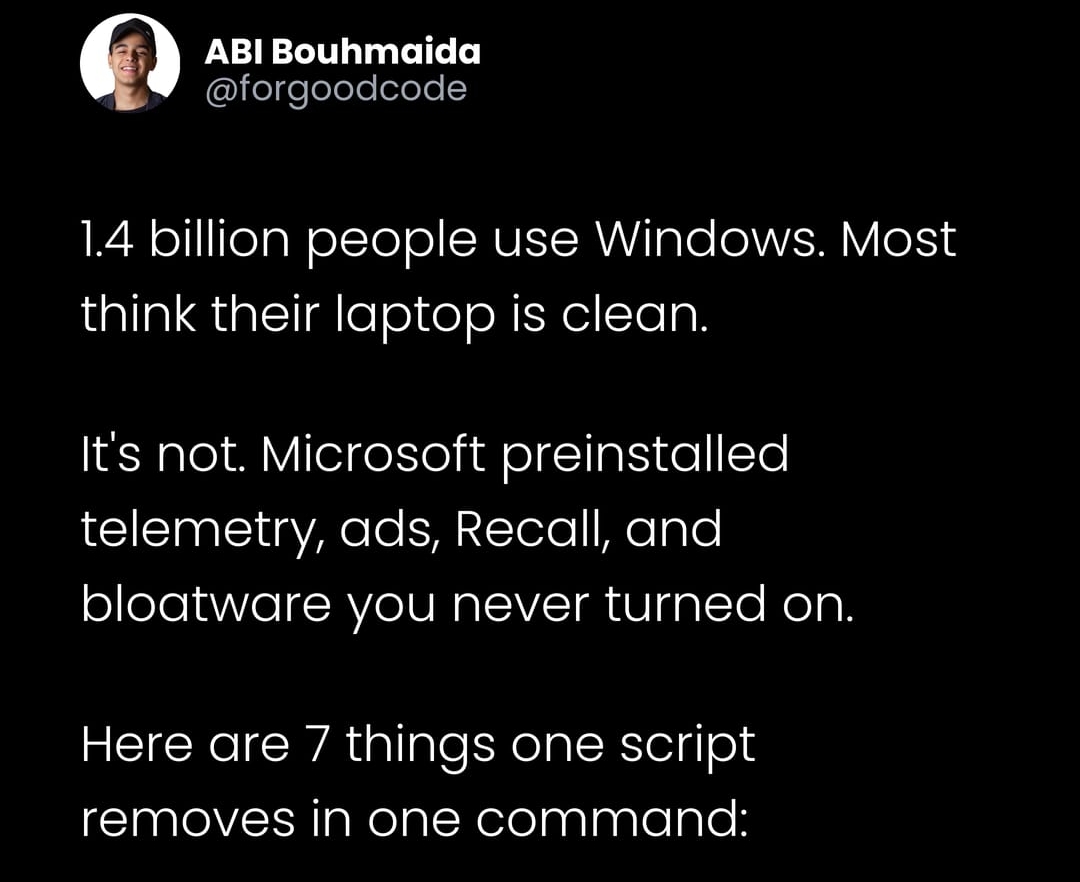

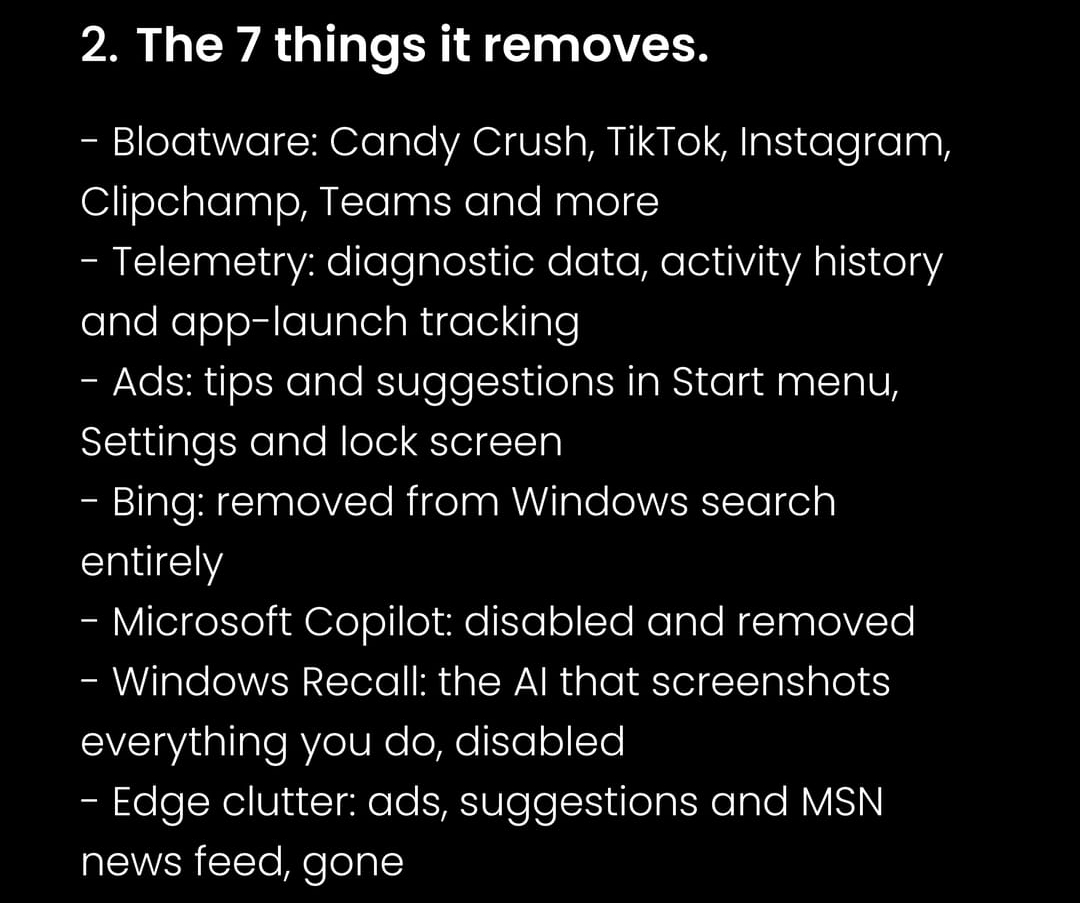
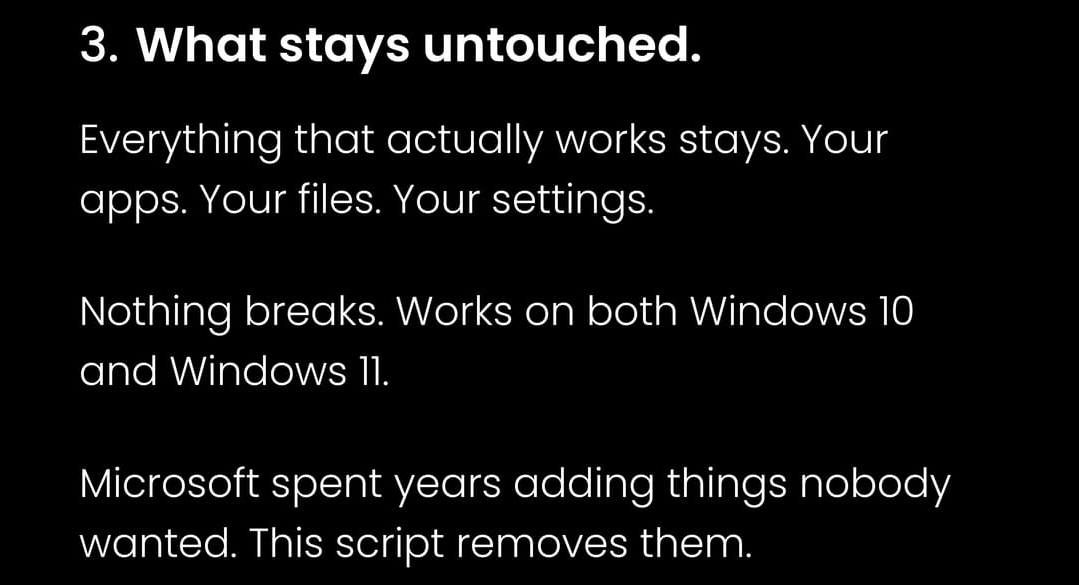

I used to run something very similar to this on my work laptop regularly: https://github.com/Sycnex/Windows10Debloater. I can’t attest to the overall efficacy of the one in the panels about, but I know the one I linked works great.
0 comments

0 comments
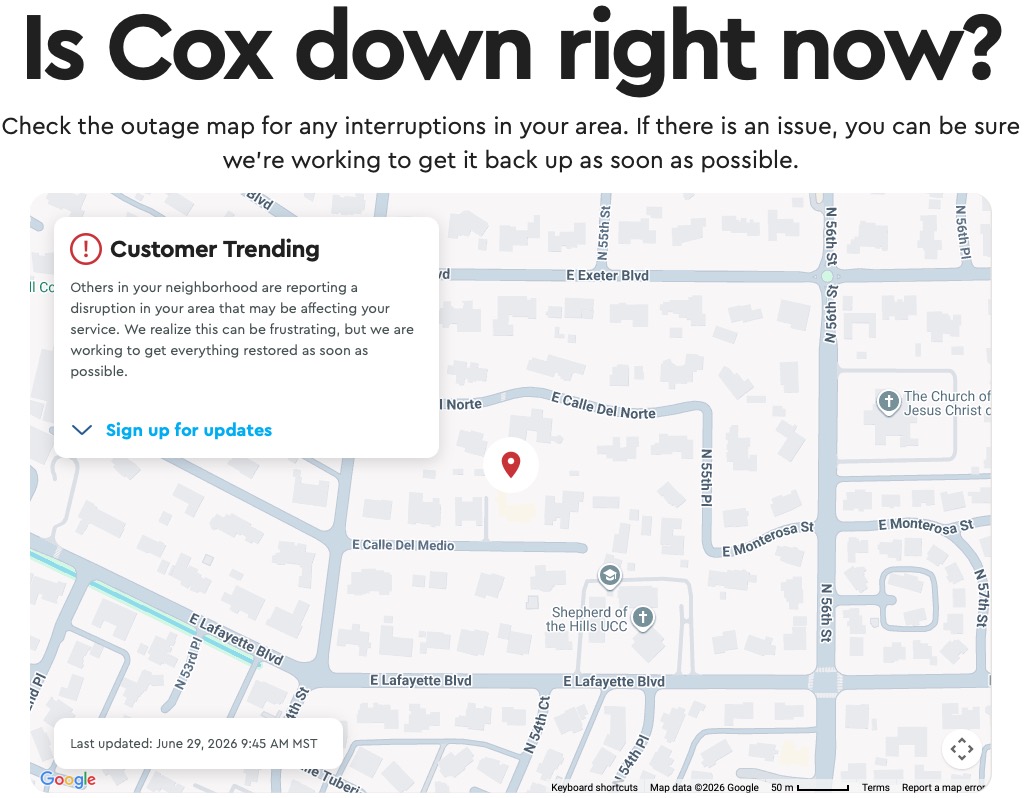
…but there’s no guarantee they’re online either because I know for sure they use Cox as well as their internet provider.
It’s been 24 hours and I’ve used up my allotted high speed tethering thru Verizon. Someone’s going to be getting a credit!
0 comments
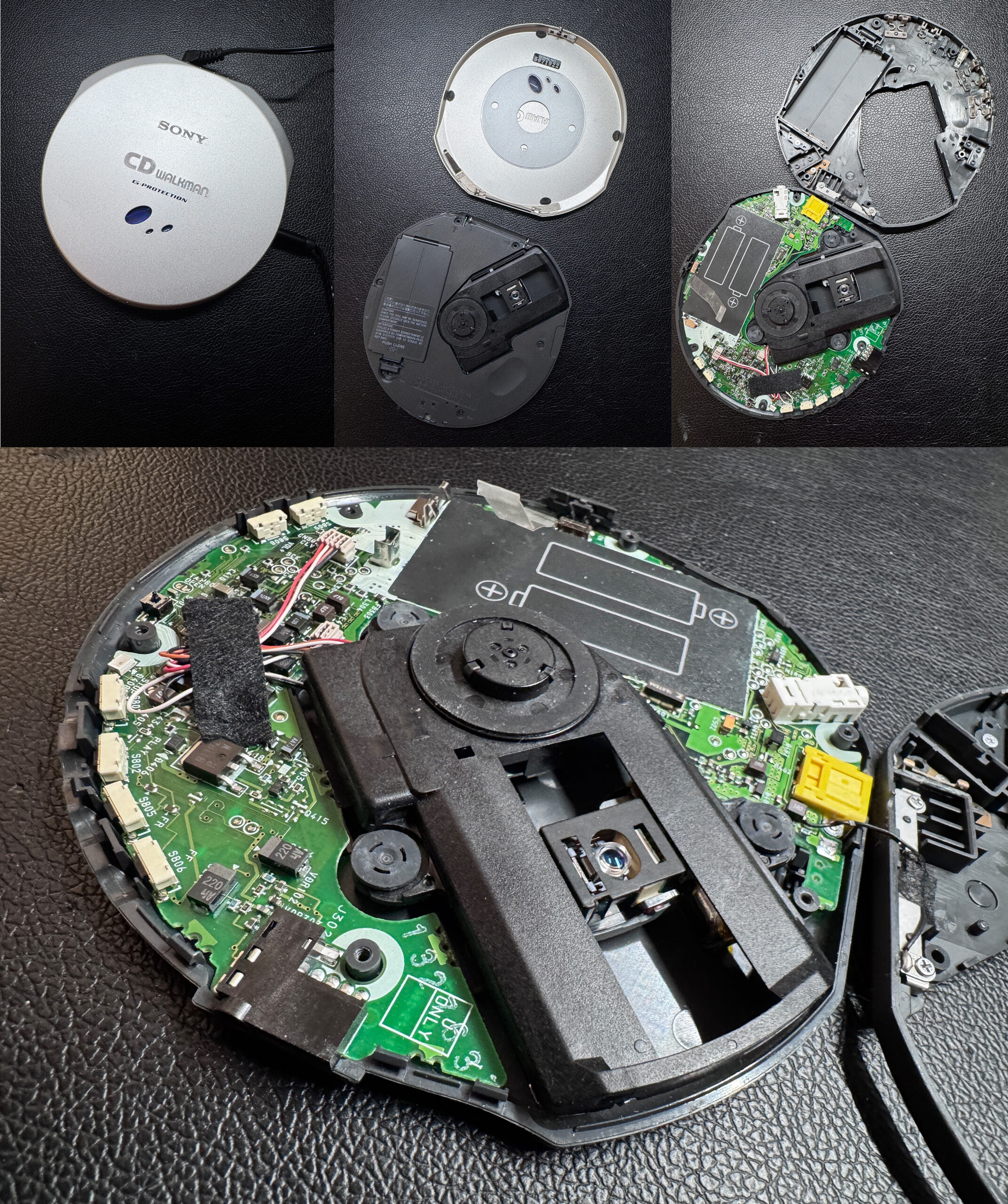
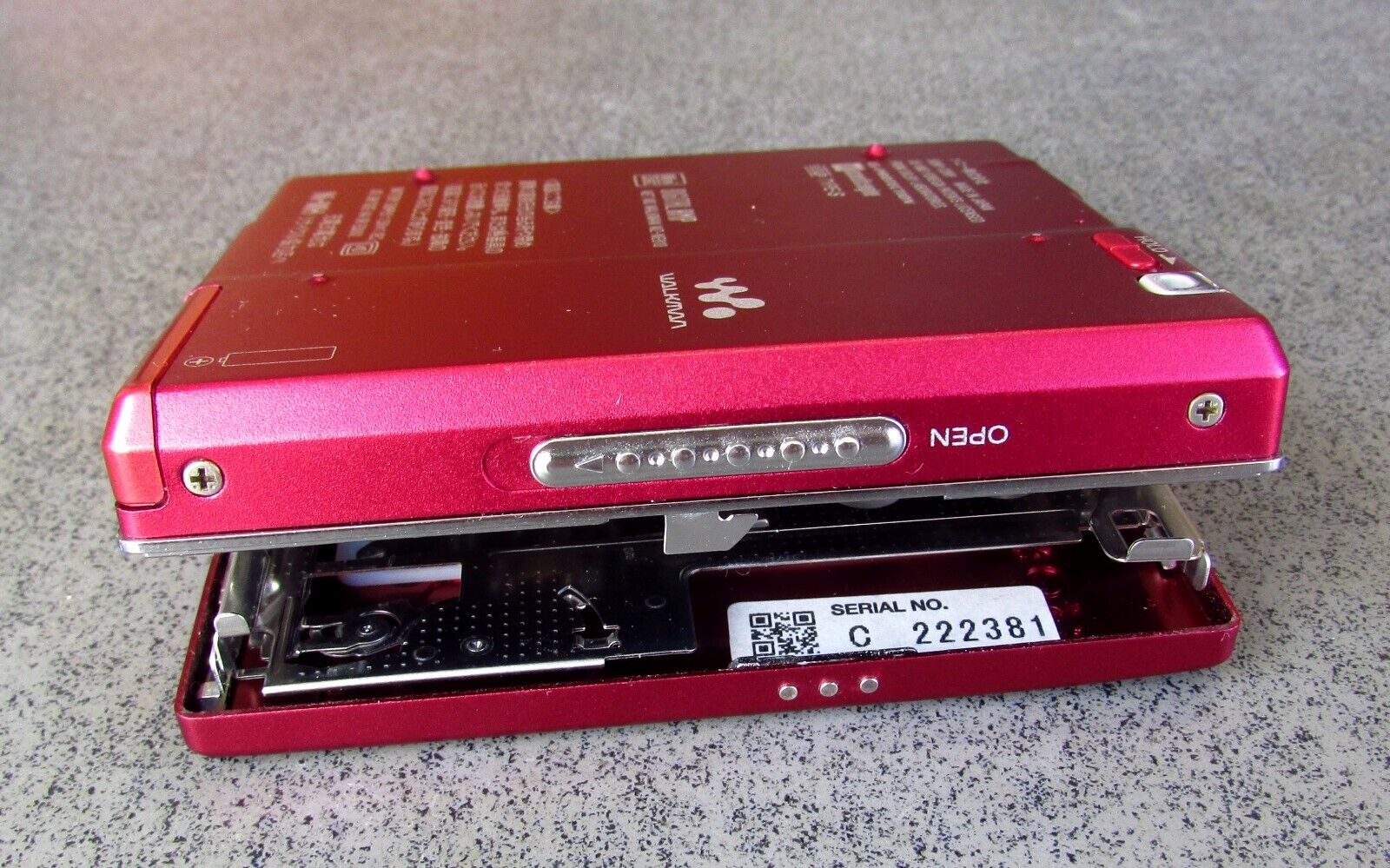
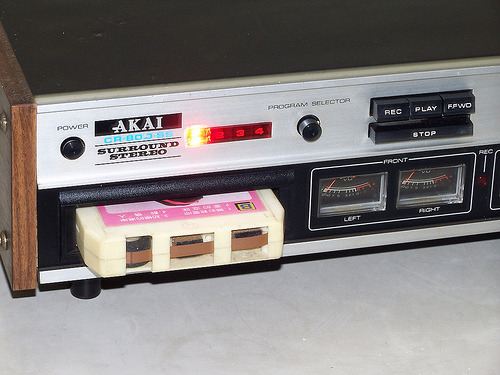
What audio geek does not appreciate some nekkid pix?
I want to say that getting the top cover off was the hardest point, but getting it back on was much, much worse. More than once the fiddly bits that keep it locked in place went flying when I was trying to get them back in. Thankfully I found them each time.
Curiosity almost killed the cat.
0 comments
CAUTION: Geek stuff ahead.
Every year, like clockwork a new macOS appears at WWDC. And every year I swear I’m not going to install it until the final version is released to the public. At that point it’s generally assumed that all the big bugs have been worked out—although this isn’t the Apple of fifteen years ago and there are always seem to be glitches now.
Based on everything I’ve read online since last week, the latest iteration macOS, aka Golden Gate—even Developer Beta 1—is incredibly stable right out of the gate.
It purports to address all the complaints that have plagued Tahoe since it was released a year ago, kind of how Snow Leopard concentrated on fixing everything that was wrong with Leopard.
Naturally curious—but cautious since I’ve been burned too many times in the past—to play with a new OS, I created a new container on my Mac and loaded Golden Gate there. Yeah, this route is safest one possible short of installing it on an external drive and lets me play with it without putting any of my data at risk (I backup my entire drive every night to external storage, so even if something gets screwed up I can always wipe and restore everything from the night before). The downside is that this is basically a virgin installation and none of my apps are accessible (although even that seems to be working for the first time with Golden Gate), rendering the whole exercise kind of immaterial for personal real-world testing.
In a fit of madness last night, I threw caution to the wind. I made a full backup of my Tahoe installation, created a new USB Tahoe installer(in case I needed to wipe everything and reinstall that OS and then restore from my backup). And installed Golden Gate on my main drive.
After installing, the machine rebooted and…well, it worked.
I checked all my apps and everything functioned normally. (I know, I just jinxed it by writing that, didn’t I?)
16 hours in, and I’m pleasantly surprised. It’s far more responsive than Tahoe ever was, and for the most part all the graphic glitches and inconsistencies that Tahoe gave us are finally gone. Maybe the change of the head of software development at Apple is actually bringing about real change.
The only thing I worry about is that as the development cycle continues through the summer toward the release of the finished product in September or October is that in the past, each new beta—while squashing bugs in the previous release—often introduced new ones, rendering the whole installation unusable, or at least severely compromised from the previous version.
To that end, I’m going to keep my backup from yesterday intact, but I will also create another backup on a separate external drive of my new install and continue to back that up nightly so if—in case the unthinkable happens and some future beta fucks things up—I can still go back to Tahoe and restore any new material I created under Golden Gate since upgrading.
I’ve also learned to keep copies of the installers for each beta iteration so I can go restore to the most recent unfucked one instead of bailing completely and returning to the previous OS.
0 comments
1 comments
The one thing (well, actually one of many, TBH) that’s always annoyed me about macOS is the inability to save a desktop theme. Windows does this flawlessly, but for some reason it was a feature implemented on the Mac.
So—as is often the case—I enlisted the Google machine. And wouldn’t you know, my quest was immediately answered:

(Click here to be taken to the website.)
Very cool. Super simple (doesn’t require messing with SIP or anything like that). Works as advertised and definitely worth $20 if you like customizing your Mac experience.
0 comments
0 comments
Today marks the 25th anniversary of Apple launching Mac OS X, the operating system that serves as the foundation of modern-day macOS.
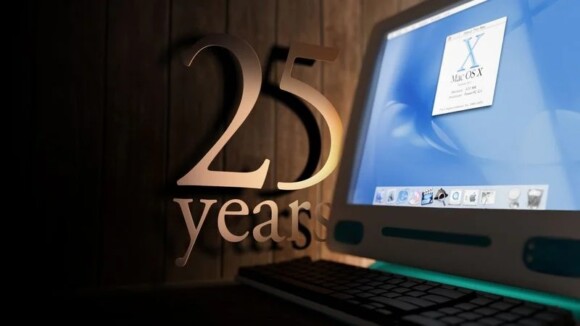
Apple released a public beta of Mac OS X in September 2000, and the operating system officially launched on March 24, 2001.
“Mac OS X is the future of the Mac, and we hope it will delight our customers with its unrivaled power and ease of use,” said Steve Jobs, in 2001. “The Public Beta has generated incredible feedback and support from Mac users and developers, which has helped us to make Mac OS X the most advanced operating system ever.”
Mac OS X was a next-generation, UNIX-based operating system for the Mac, succeeding the classic Mac OS operating system. It ushered in Apple’s iconic “Aqua” interface, the Dock, an improved Finder app with hierarchical navigation, and more.
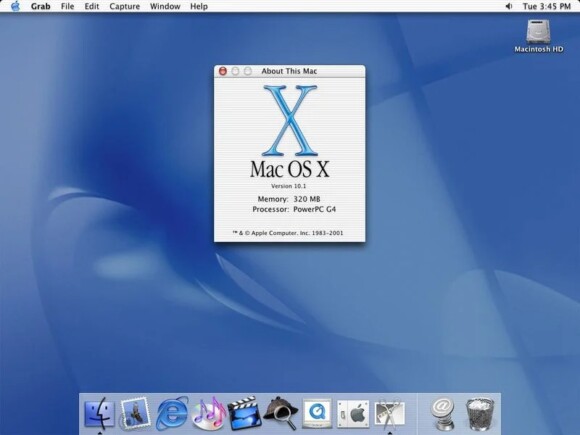
“Mac OS X is the most important software from Apple since the original Macintosh operating system in 1984 that revolutionized the entire industry,” said Jobs.
In the U.S., Mac OS X was priced at $129. Apple stopped charging for macOS releases in 2013, when OS X Mavericks was released free of charge.
Mac OS X was renamed to OS X in 2012 and to macOS in 2016:
Mac OS X was a big part of Apple’s renaissance, which began when Jobs returned to the company in the late 1990s. Big hits in those first few years after his return included the iMac in 1998, the iBook in 1999, and Mac OS X and the iPod in 2001. In this sense, it is poetic that this milestone comes just a week ahead of Apple’s 50th anniversary.
[source]
0 comments
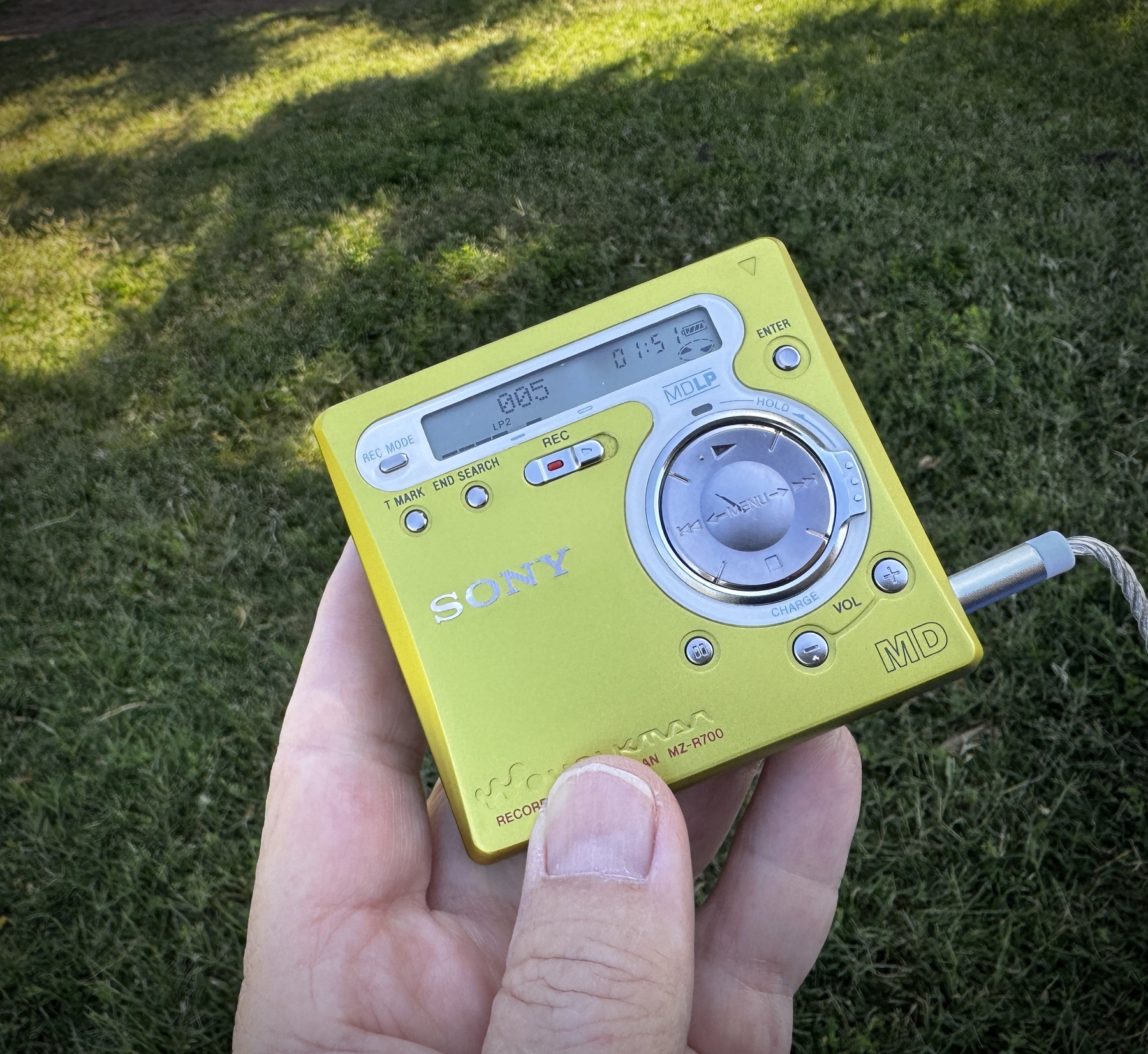
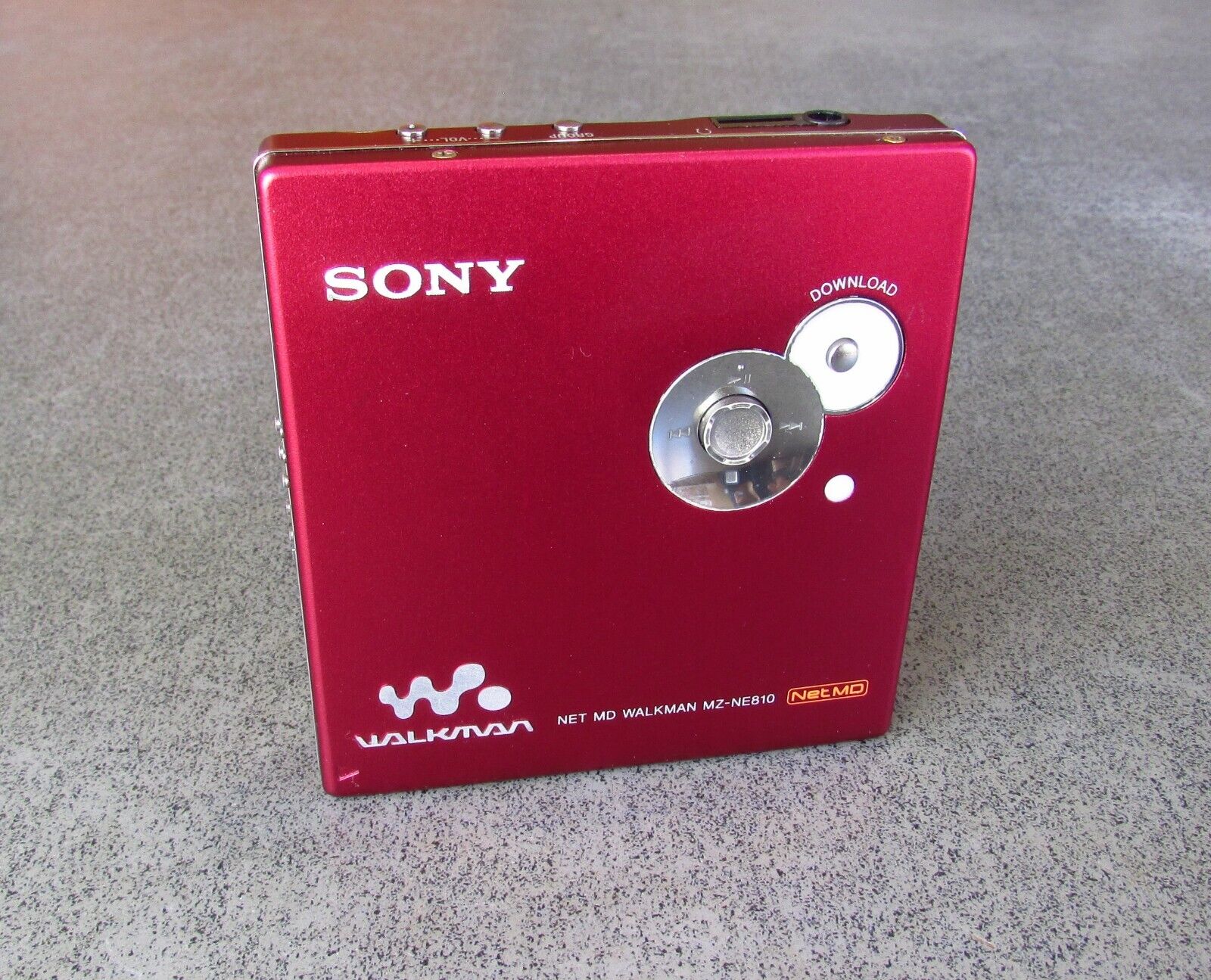
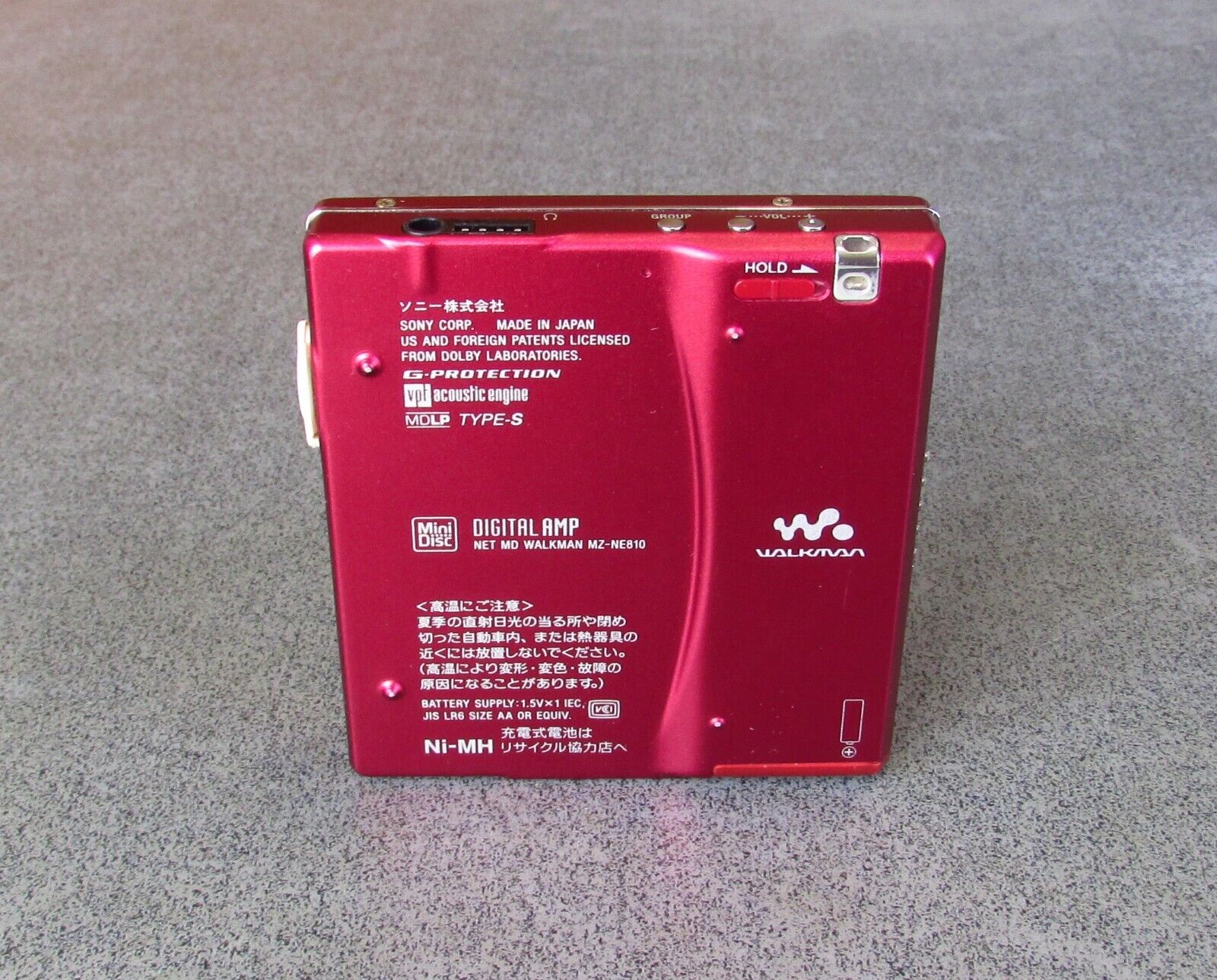
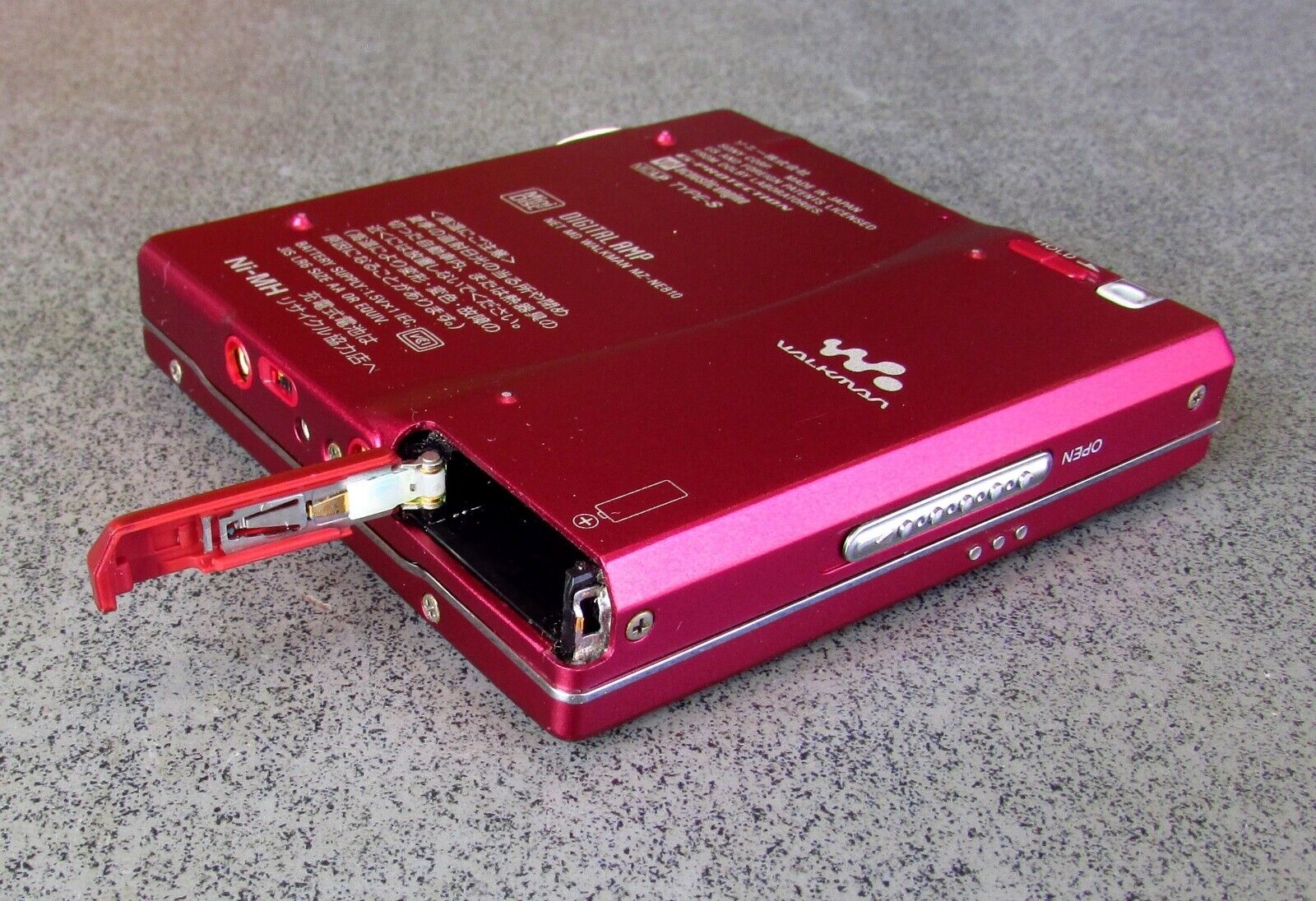
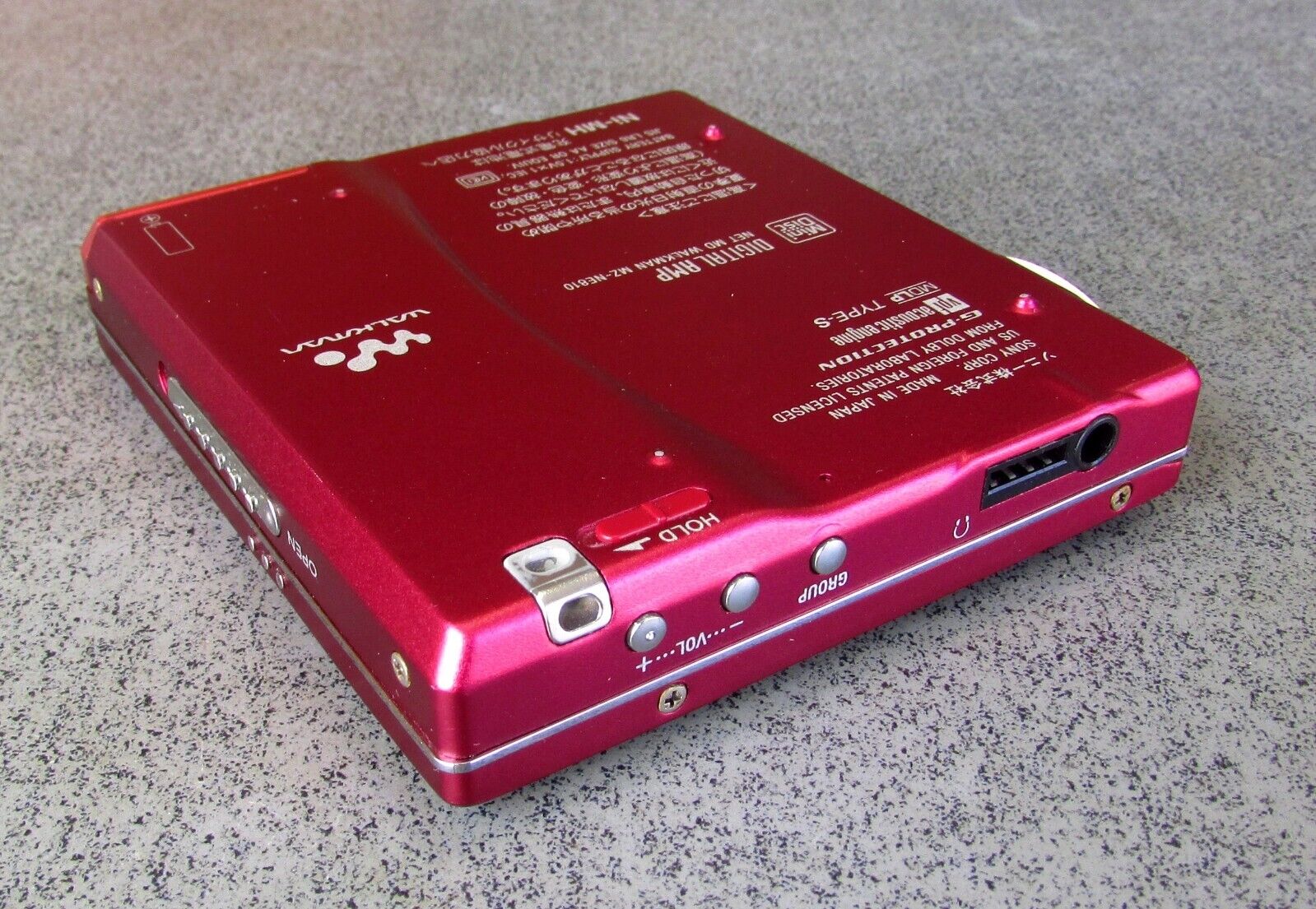
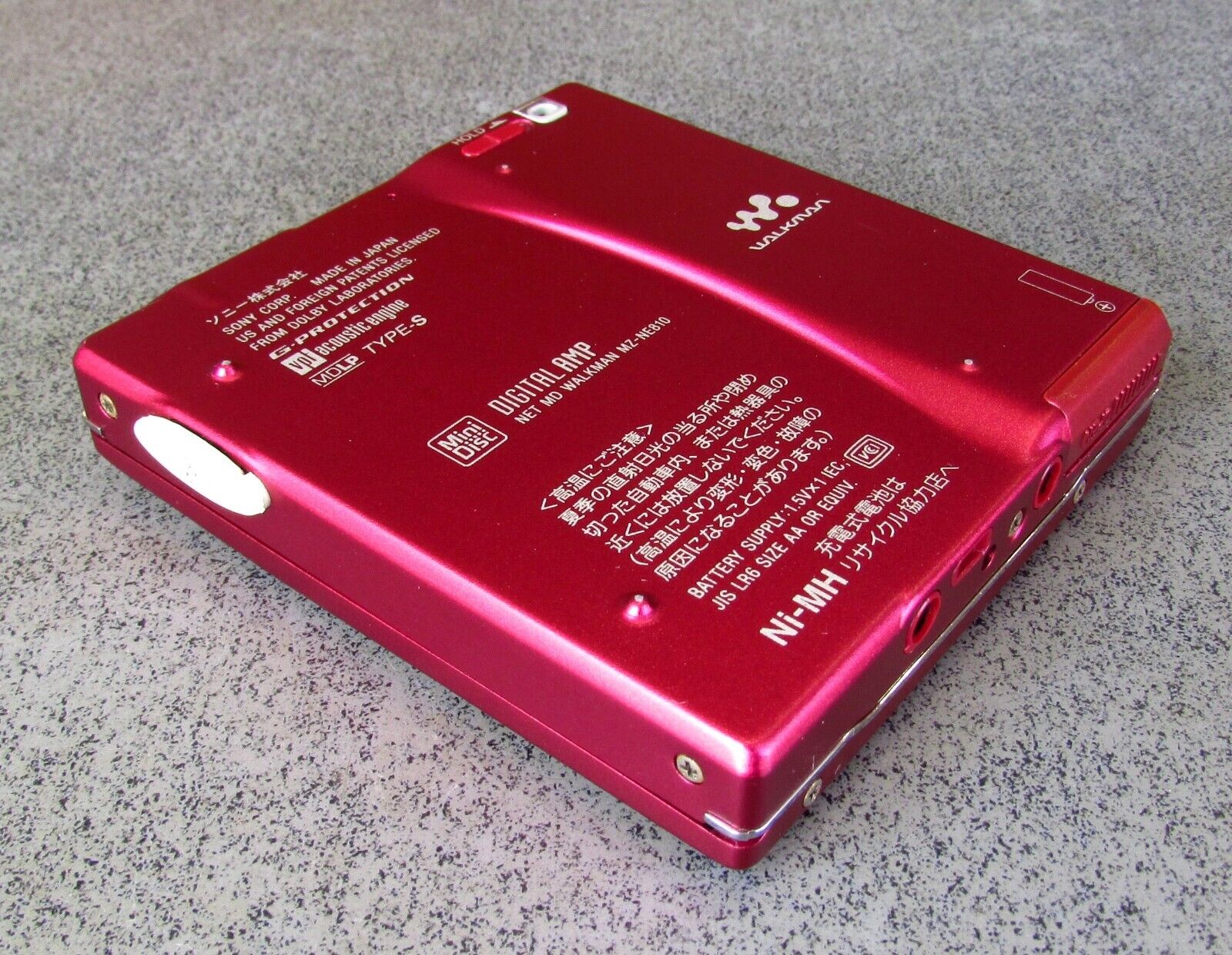
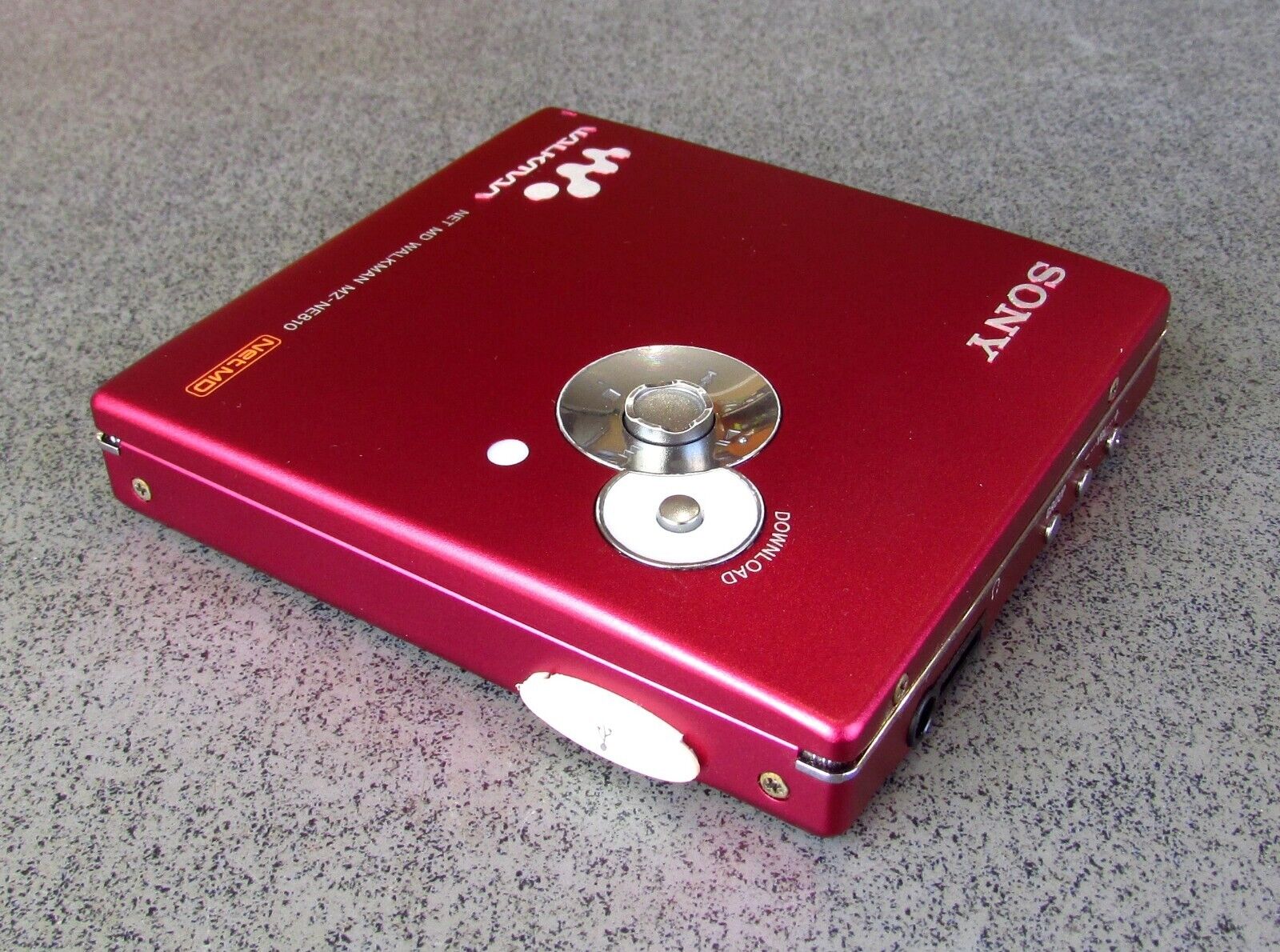
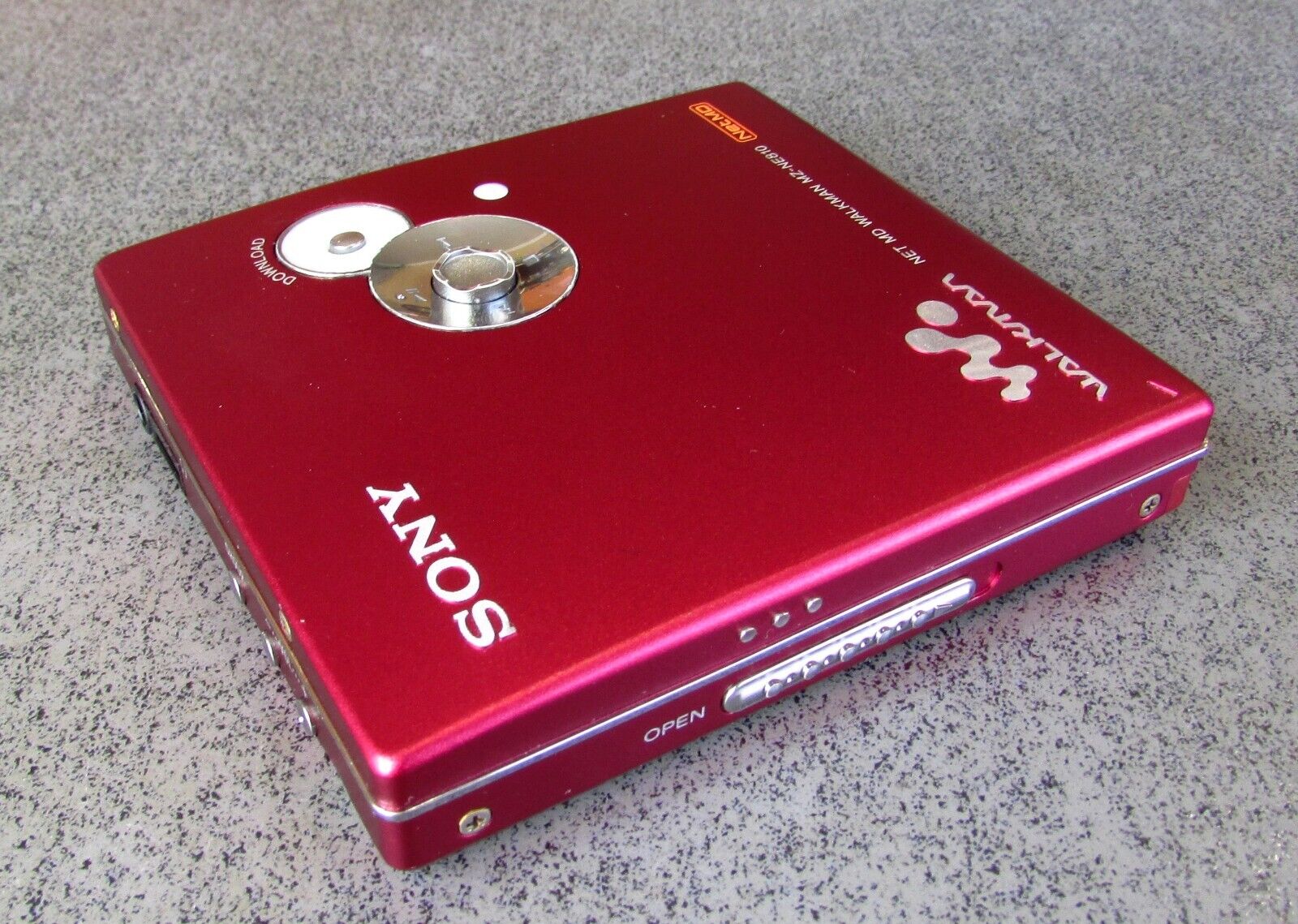
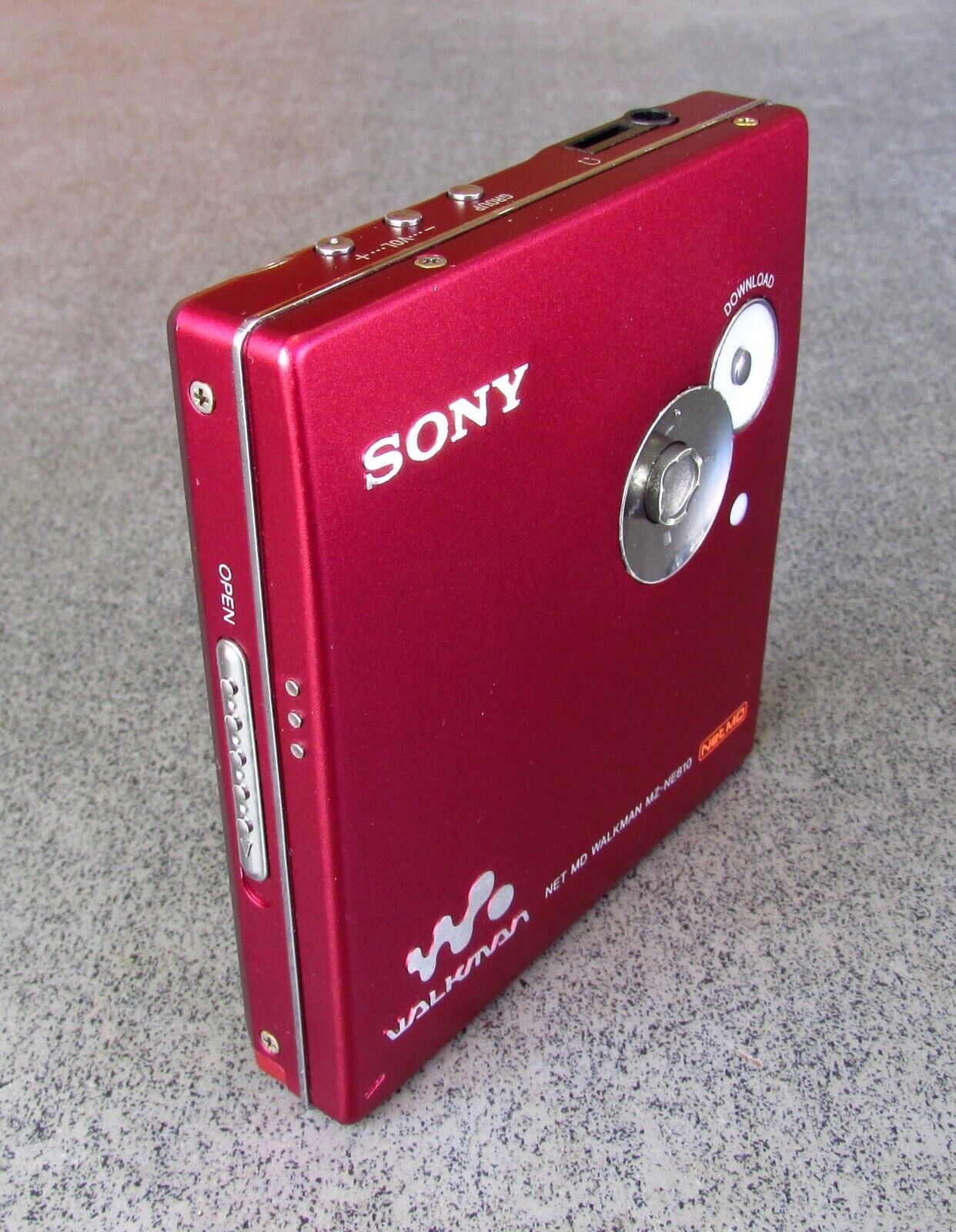
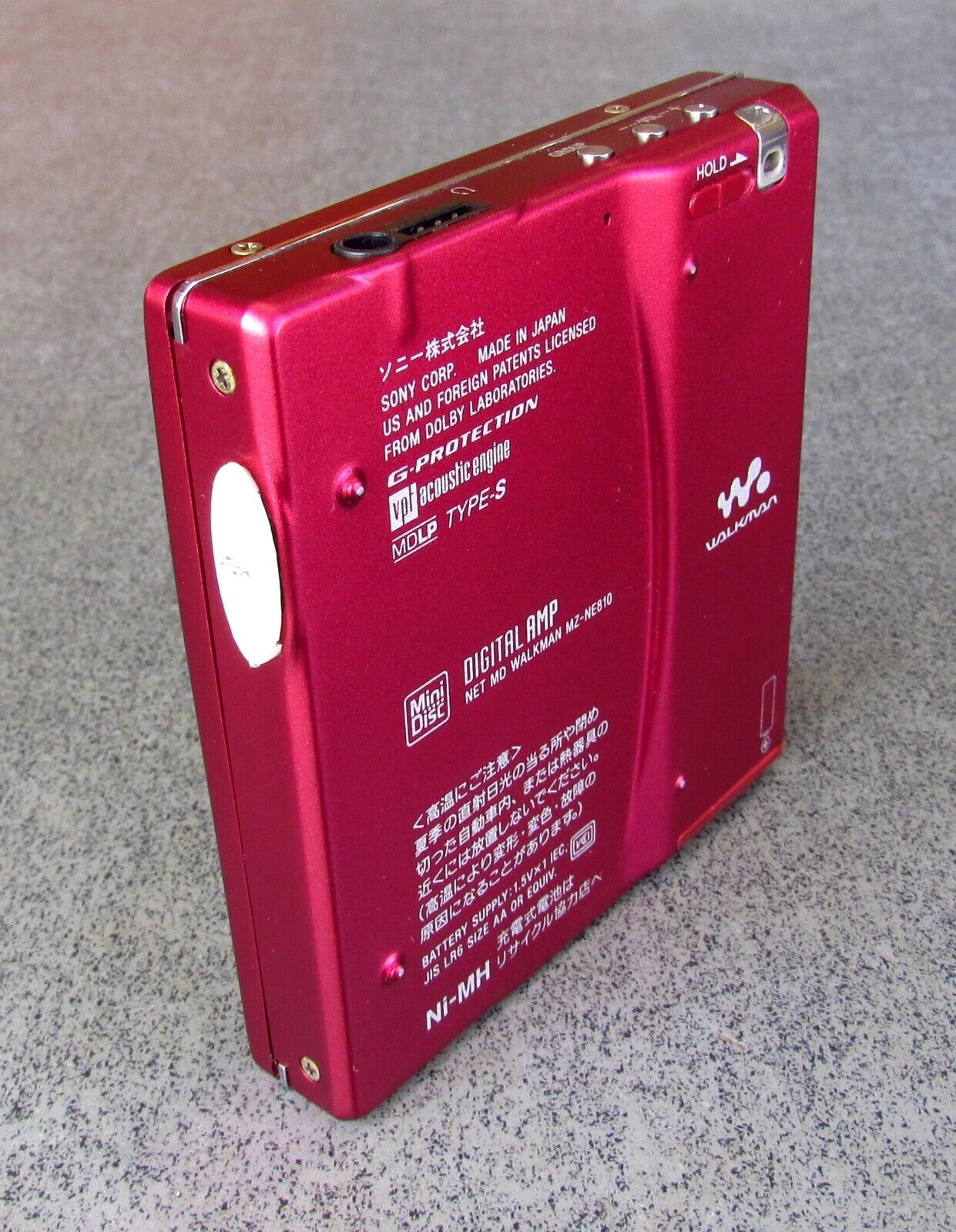
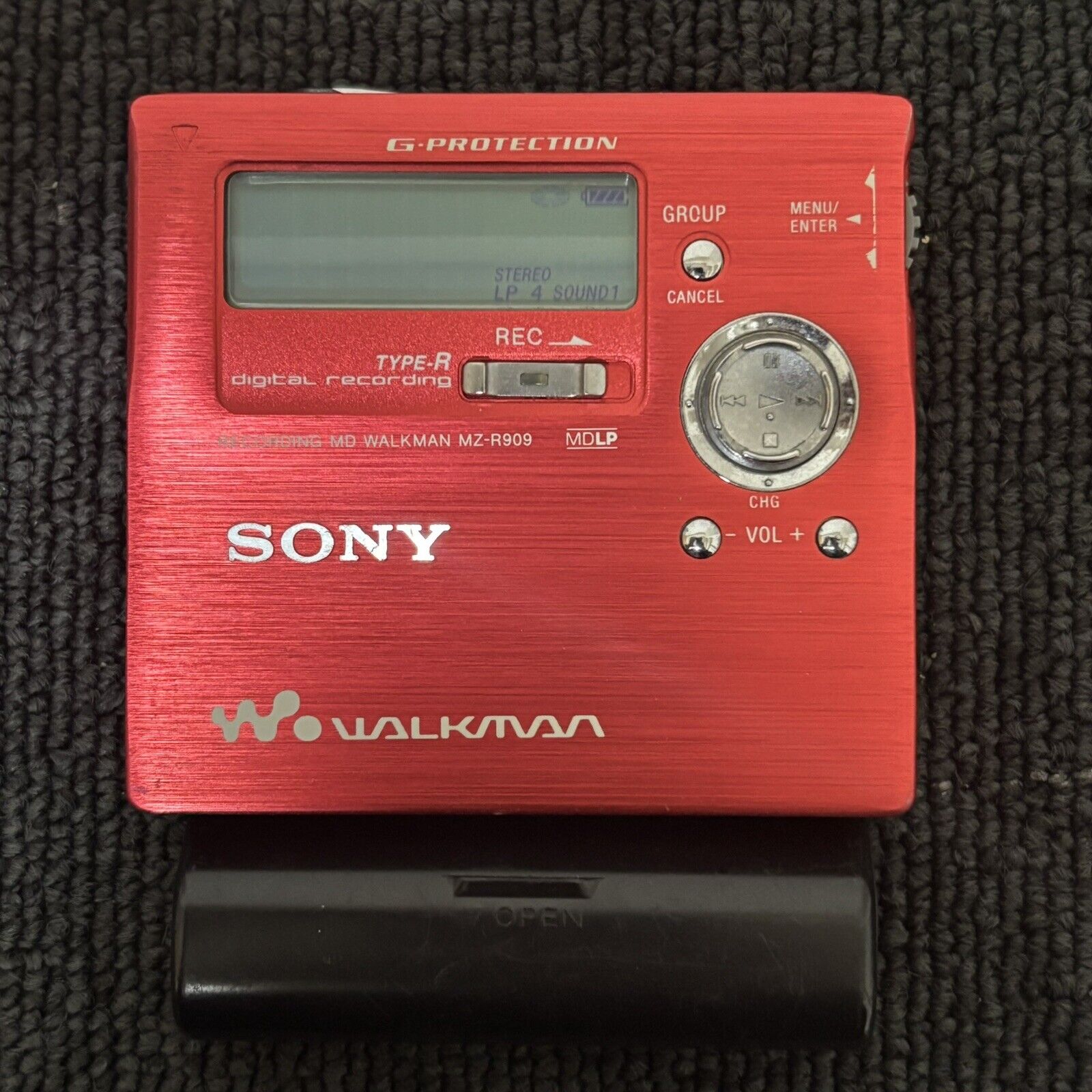
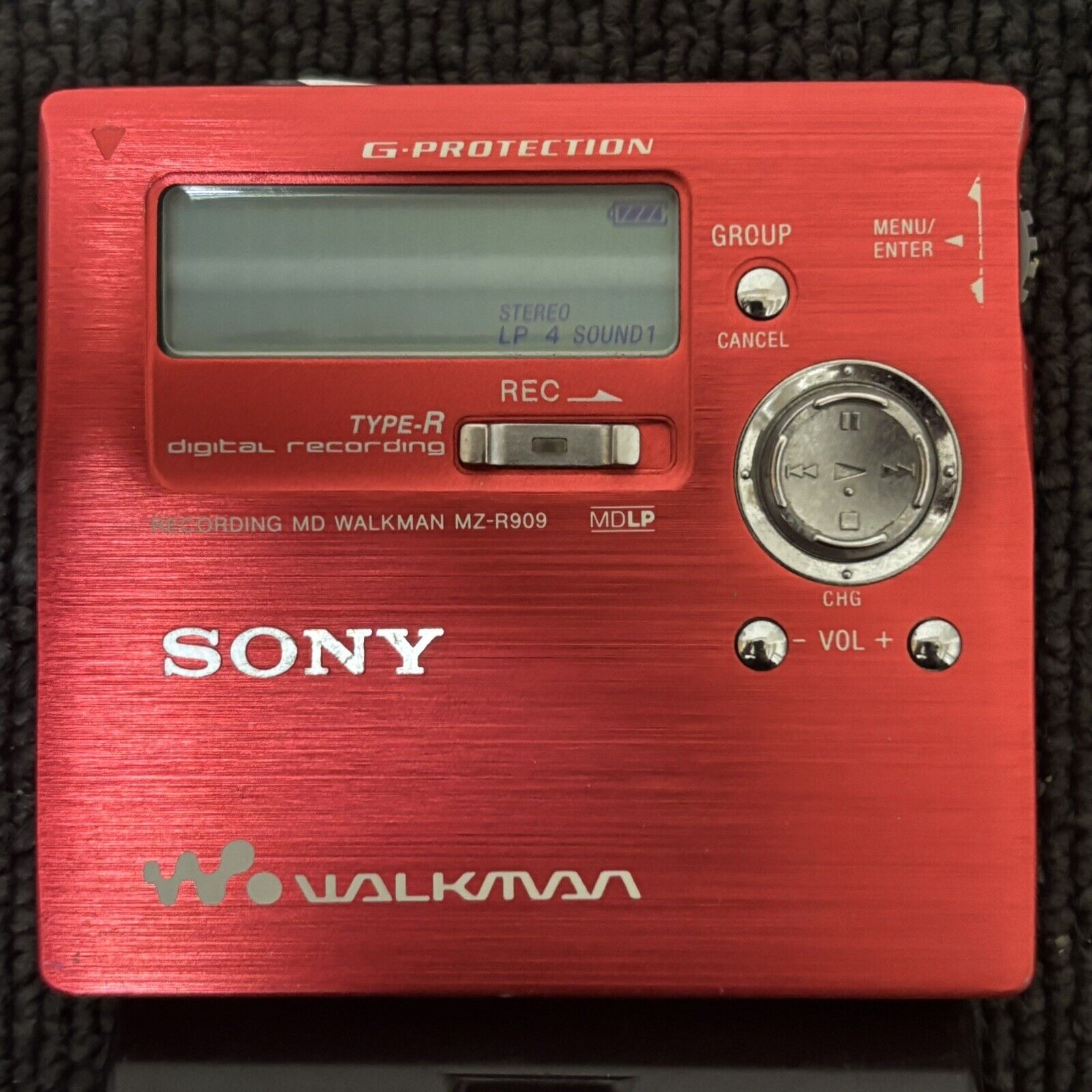
I’ll say this about Sony: back in the day they certainly knew how to do green…and blue…and red…and orange—something Apple could take a lesson or two from now.
0 comments
0 comments
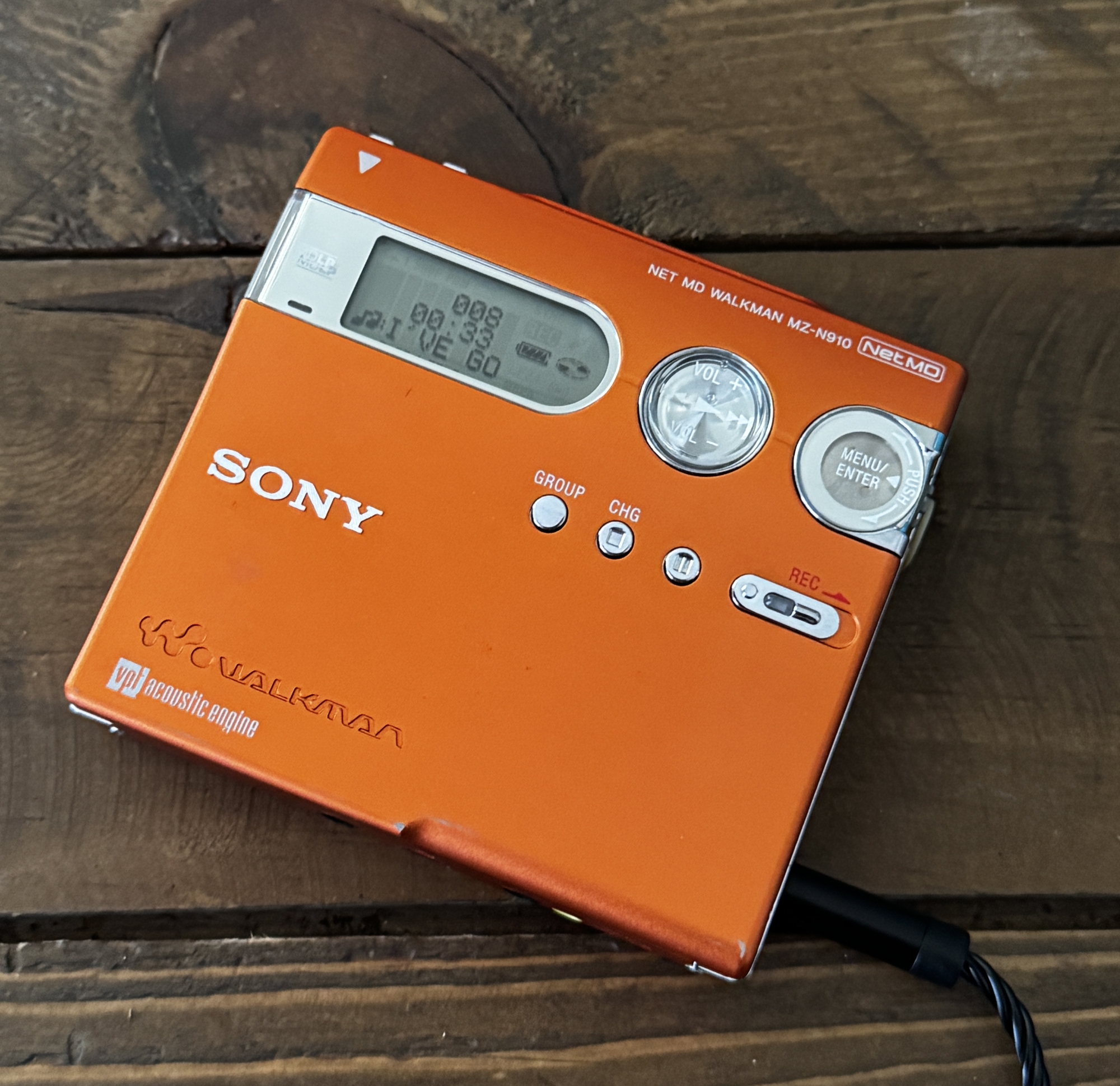
Very happy with my first foray into Japanese auctions! Upon arrival it powered up fine with an AA sidecar battery and/or power adapter, but wouldn’t recognize a perfectly good, fully charged internal gumstick battery—nor would it charge said gumstick. Even though the contacts on the external battery door looked okay, I knew there had to be corrosion inside, so after shining a flashlight in the battery compartment and confirming the internal contacts were caked with the infamous green corrosion, I gingerly removed the rear case. Armed with vinegar, an old toothbrush, q-tips, and isopropyl alcohol—and having watched numerous videos on how to do it—I set about removing the green gunk. Afterwards I put it all back together—and to my utter amazement, not only did it still work, but now it recognized the gumstick battery and even worked! And that color! Sony sure knew how to do orange!
0 comments