
Sometimes it takes several dozens of iterations, giving up, and then eventually coming back to it a month later.
One of the earliest uses I found for GPT was taking my paintings and sketches and making them more photorealistic; y’know, finally bringing my visions to life.
One sketch in particular…
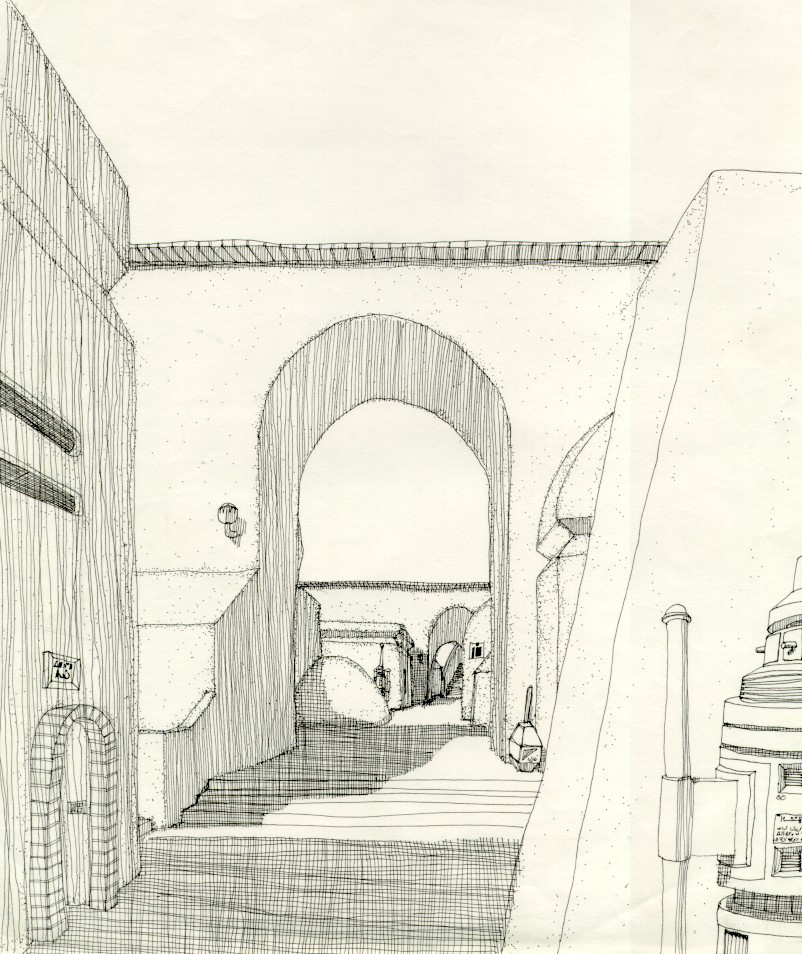
…gave me fits. Try as i might, I could not get the AI to properly render the direction of light and the resulting shadows.
The first try was—amusing—in how far off the original it was.
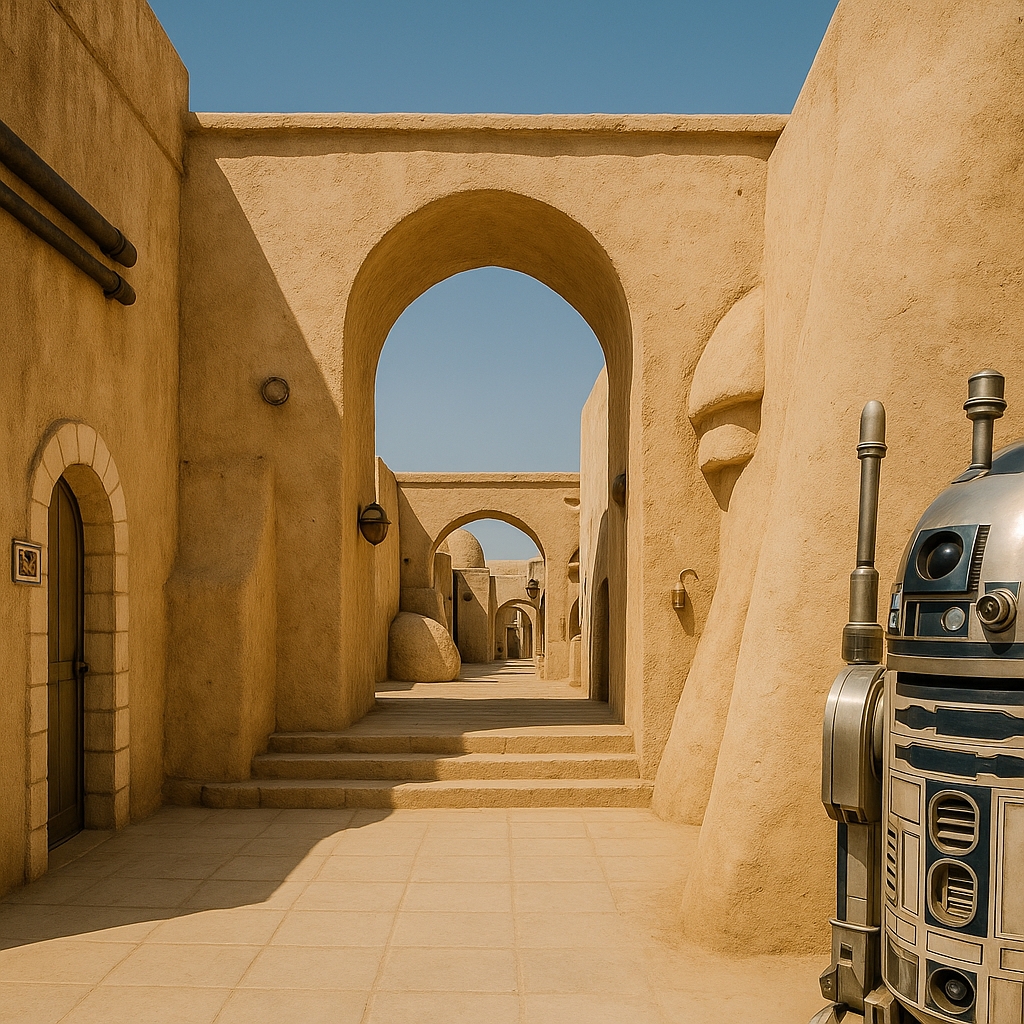
I mean, this isn’t even the same picture, right? Might as well be another street in the same city, but no. This wasn’t what I submitted in the least. And where it came up with R2D2 in the corner is anyone’s guess.
I don’t recall if this was the second—or the seventh—try: c
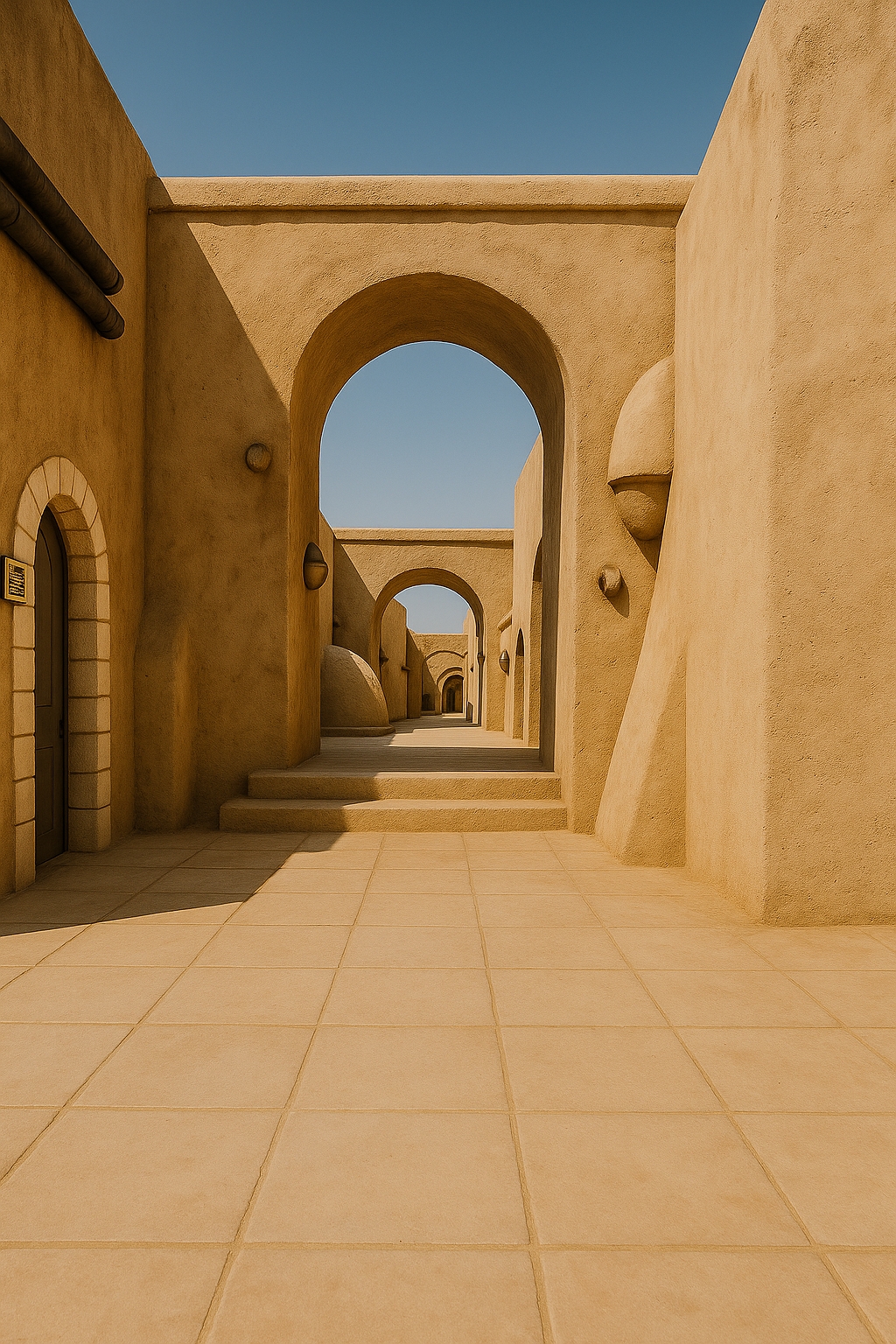
The light is still coming from the wrong direction, and it’s making continued unwanted changes to the original.
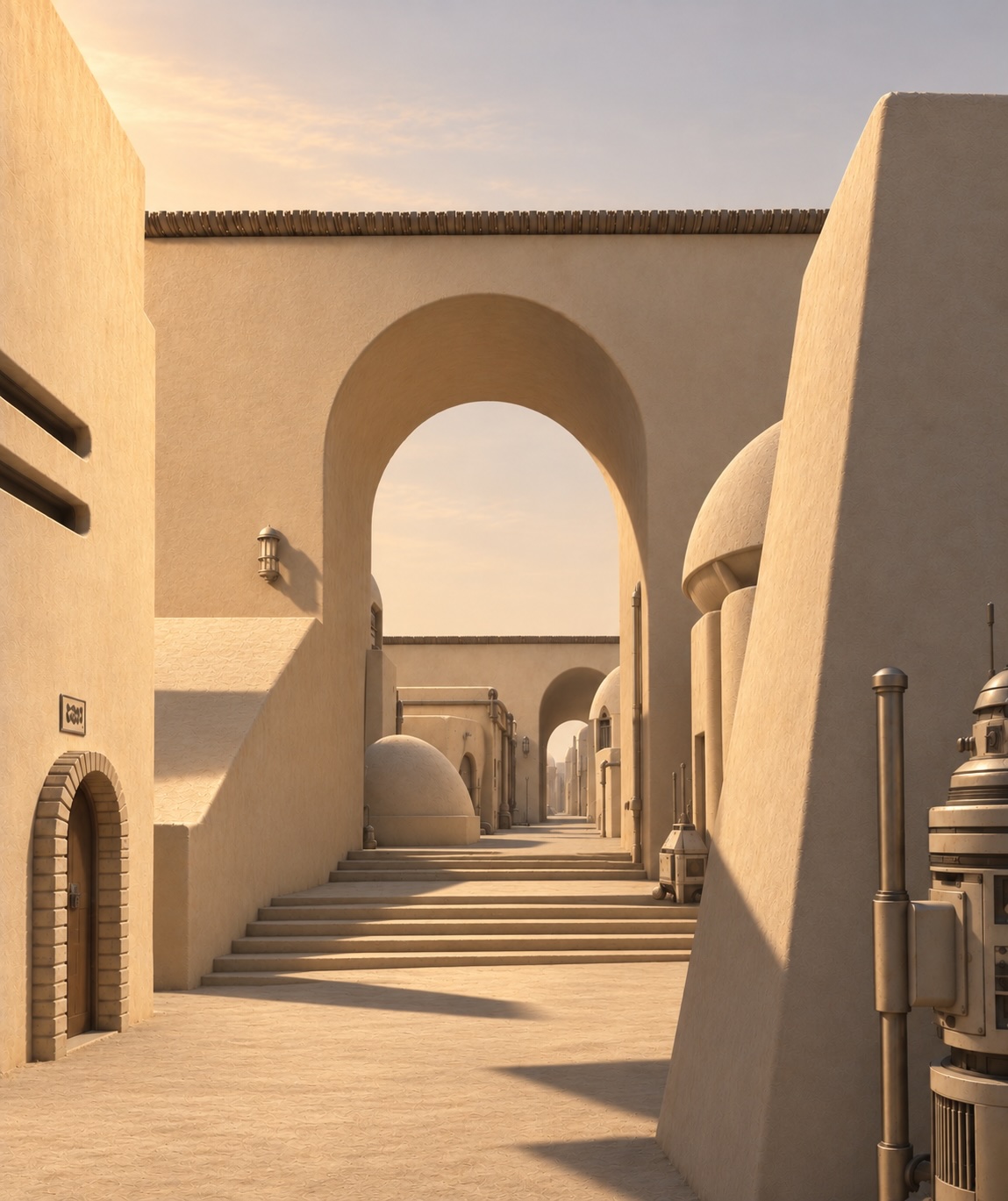
The light direction is better here, but none of the shadows make any sense.
I thought I’d try something totally different, so I asked it to position the sun at the viewer’s back. A nice picture, but not my original vision:
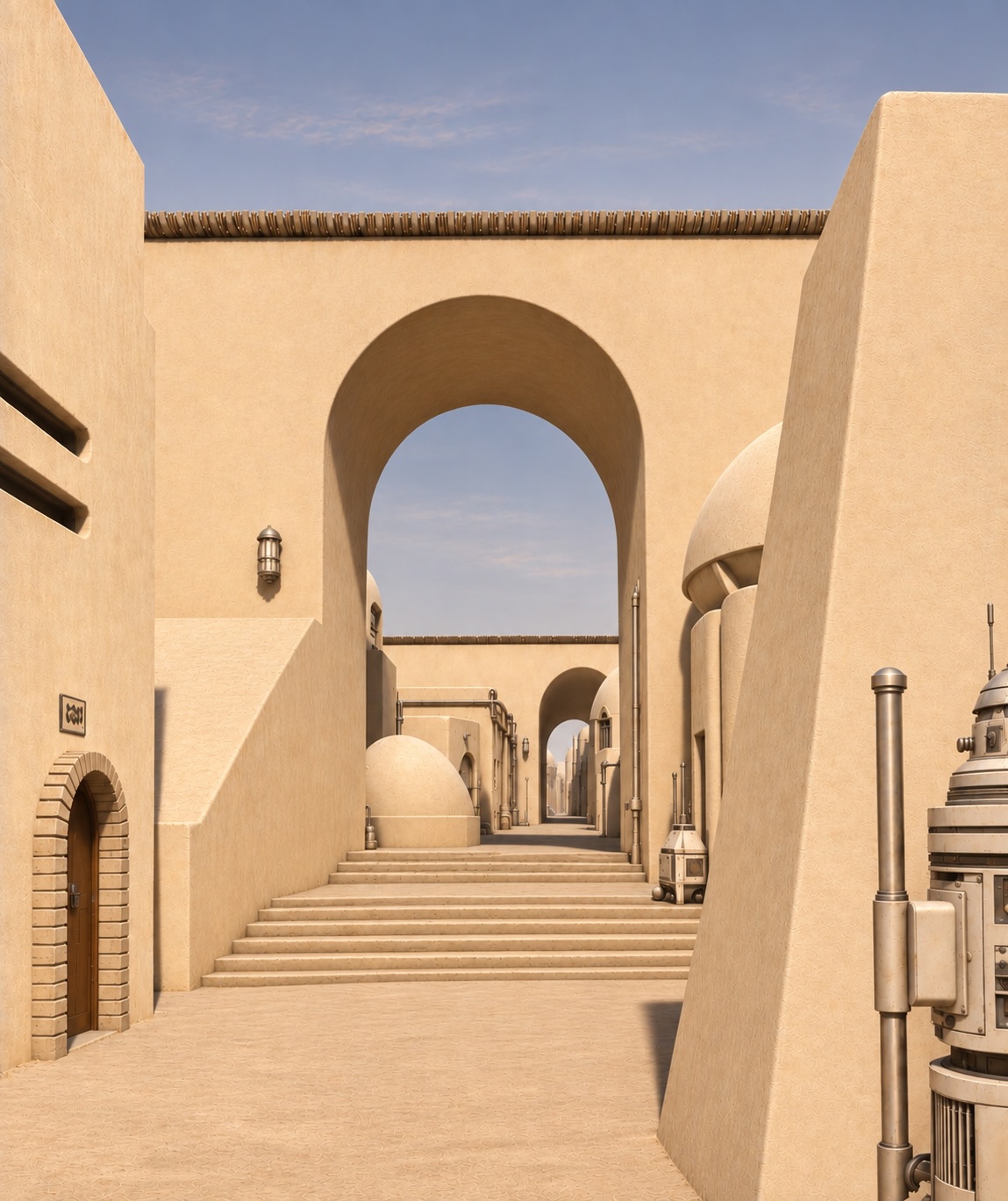
Next, I asked for the light source to be moved slightly to the left behind the viewer:
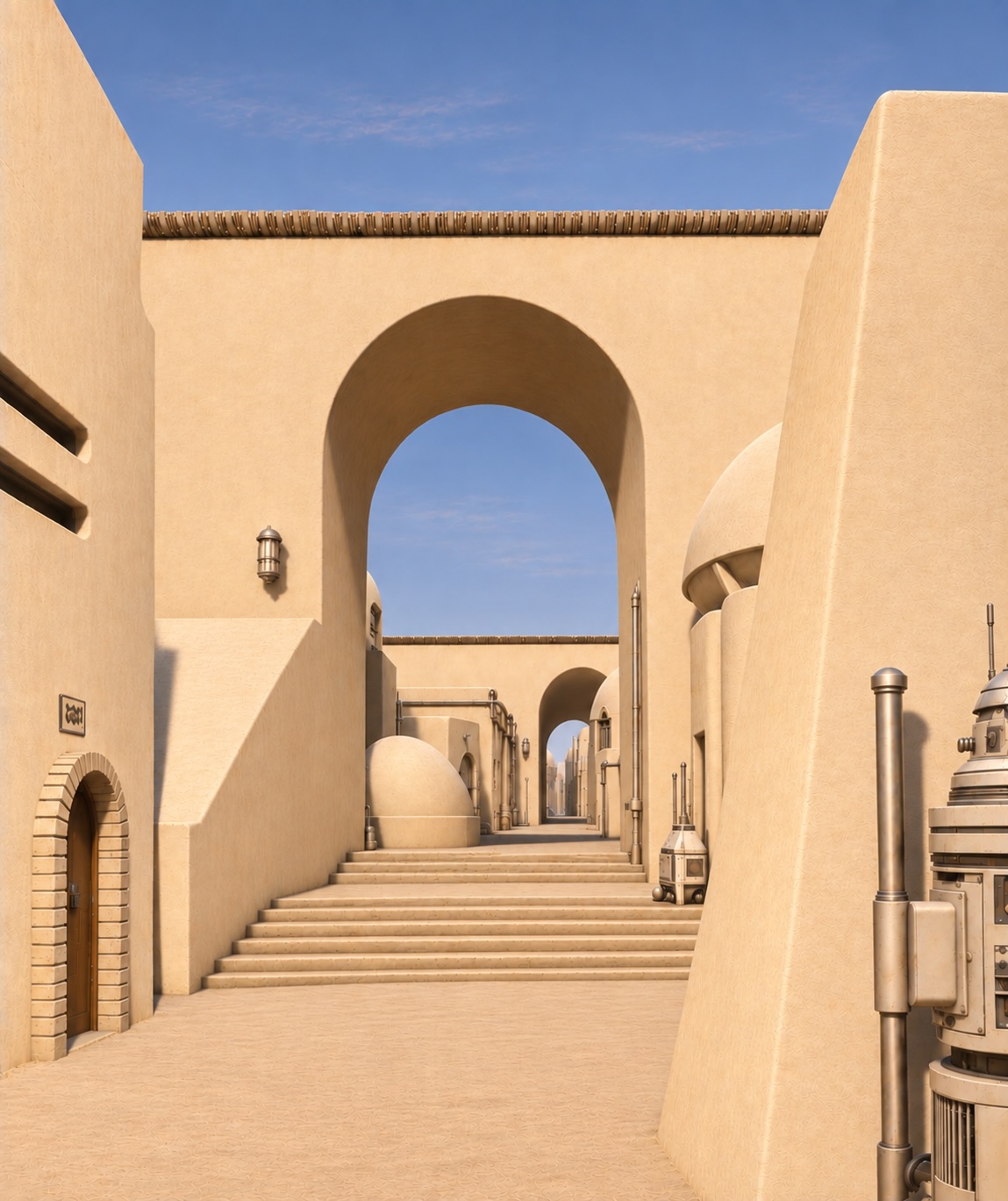
Next, I asked for the light source to be moved slightly to the left behind the viewer,
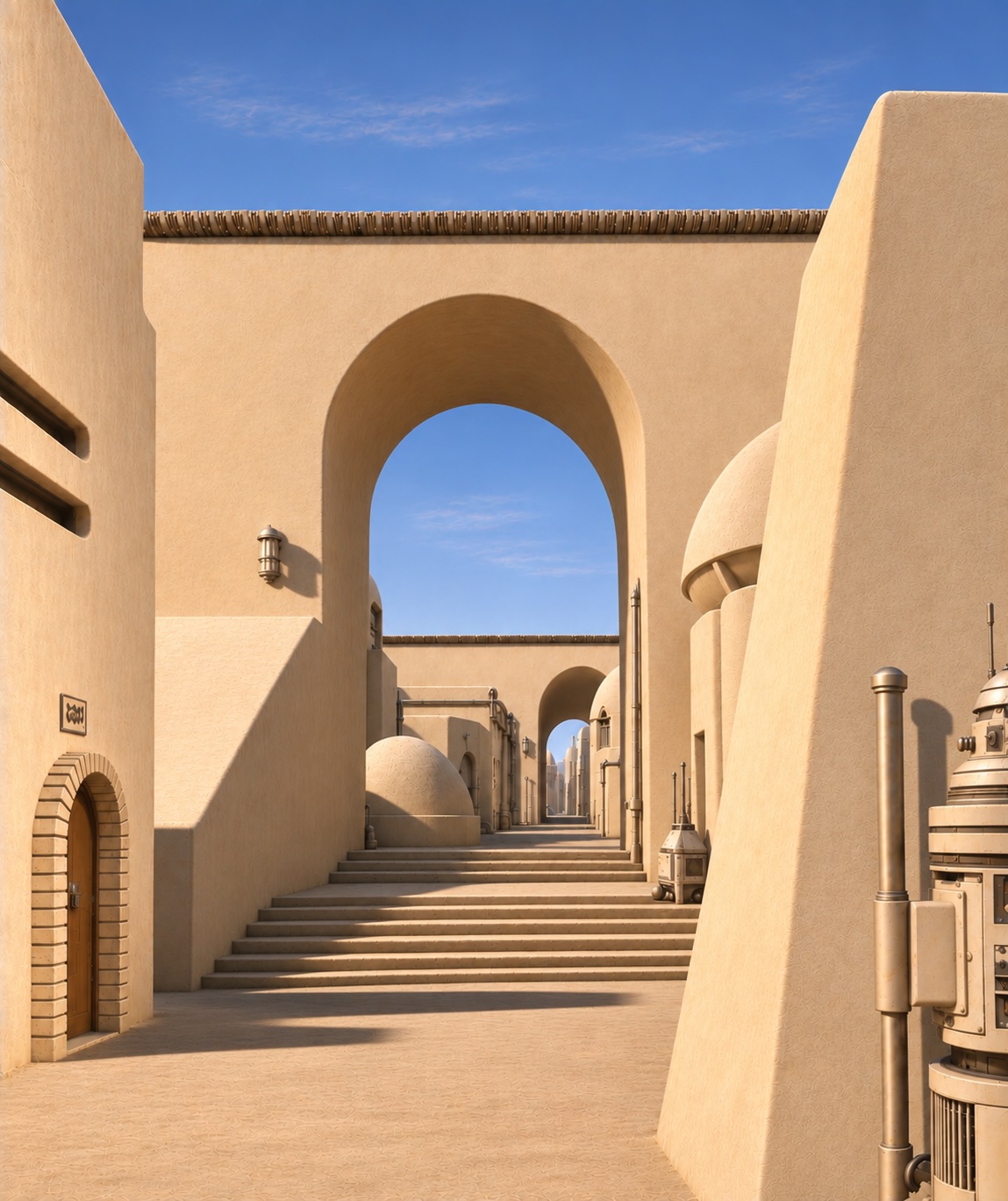
I finally resorted to using cardinal directions to locate the sun. “If north is directly ahead of the viewer, west is to the left. Move the sun to the left at the same elevation it is in the sky as it was in the previous picture:
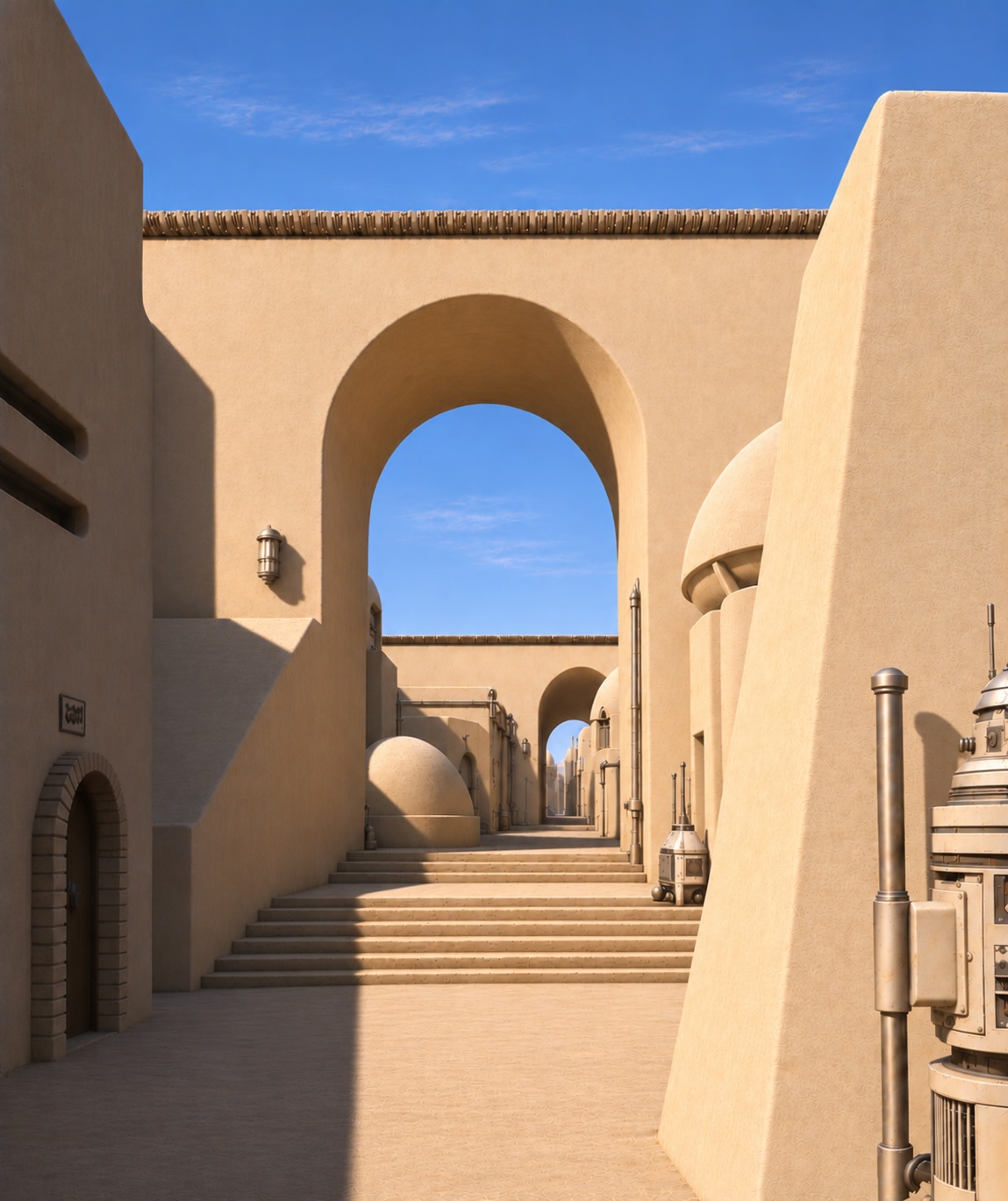
Again, issues with the shadow. The nice thing about GPT is it’s now “smart” enough to see the errors of the image generator by itself, point them out, and ask if I wanted to effect its suggested fixes.
One very important command (there’s a more precise, more long-winded one to use, but this one generally gets the job done: IMPORTANT! Do not make any other changes to the image beyond which is neceaary to [whatever you’re changing]
Still not 100% but good enough:
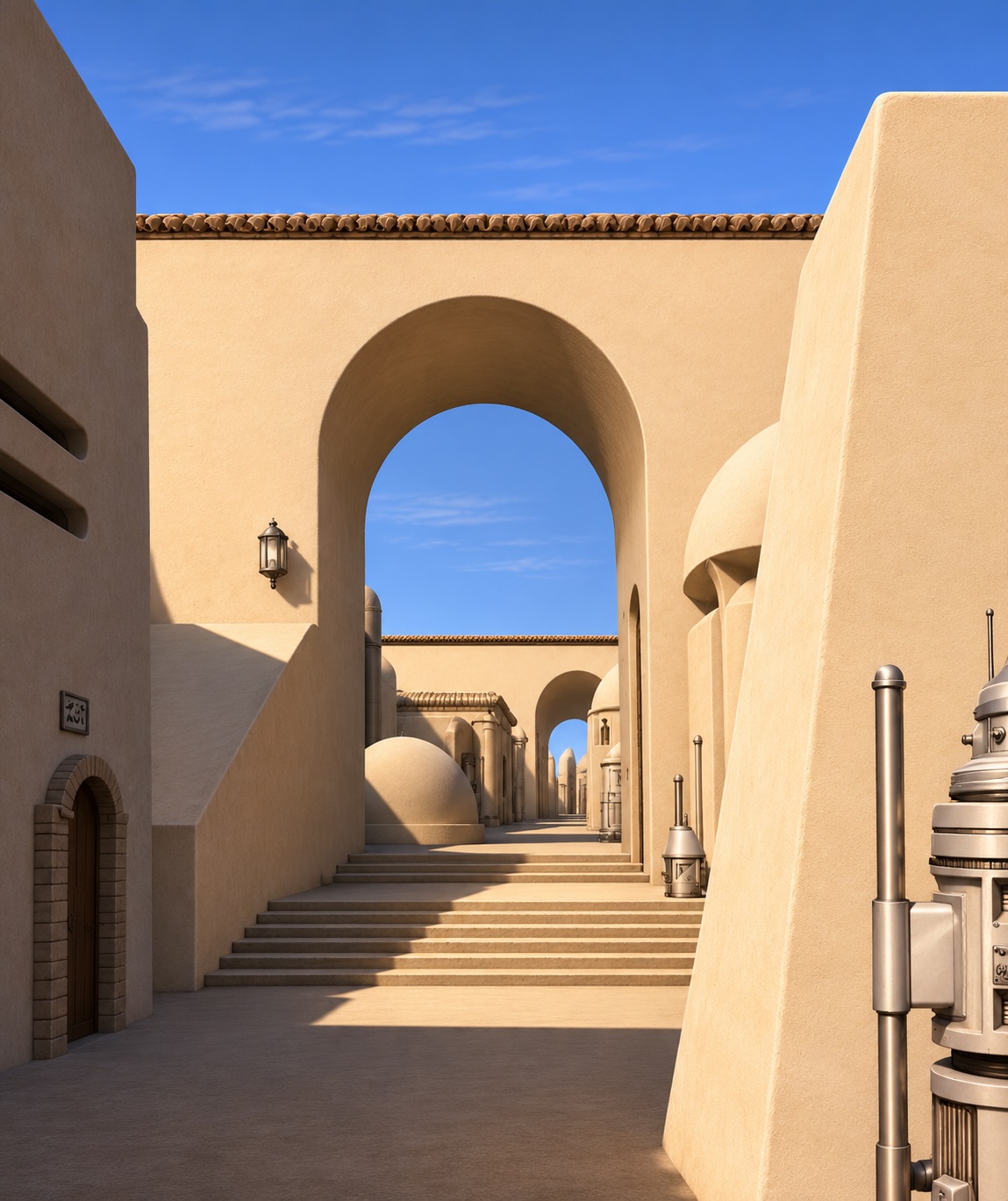
One final tweak, changing the colors of the equiment:

FINALLY!
Like pulling teeth!
0 comments